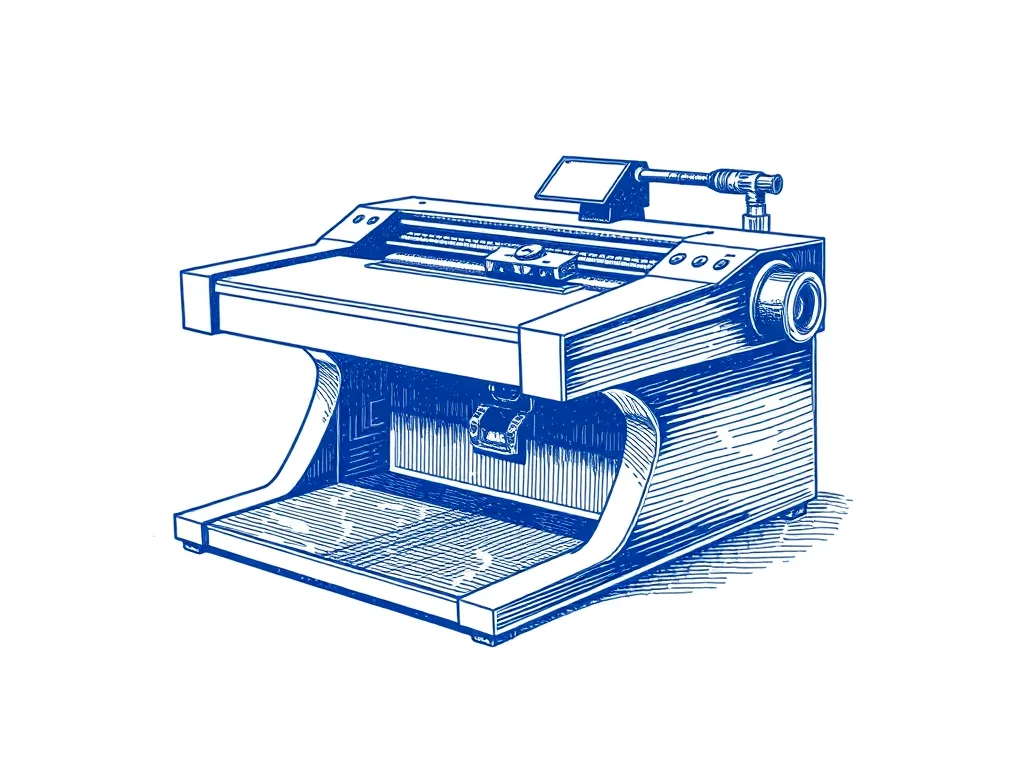
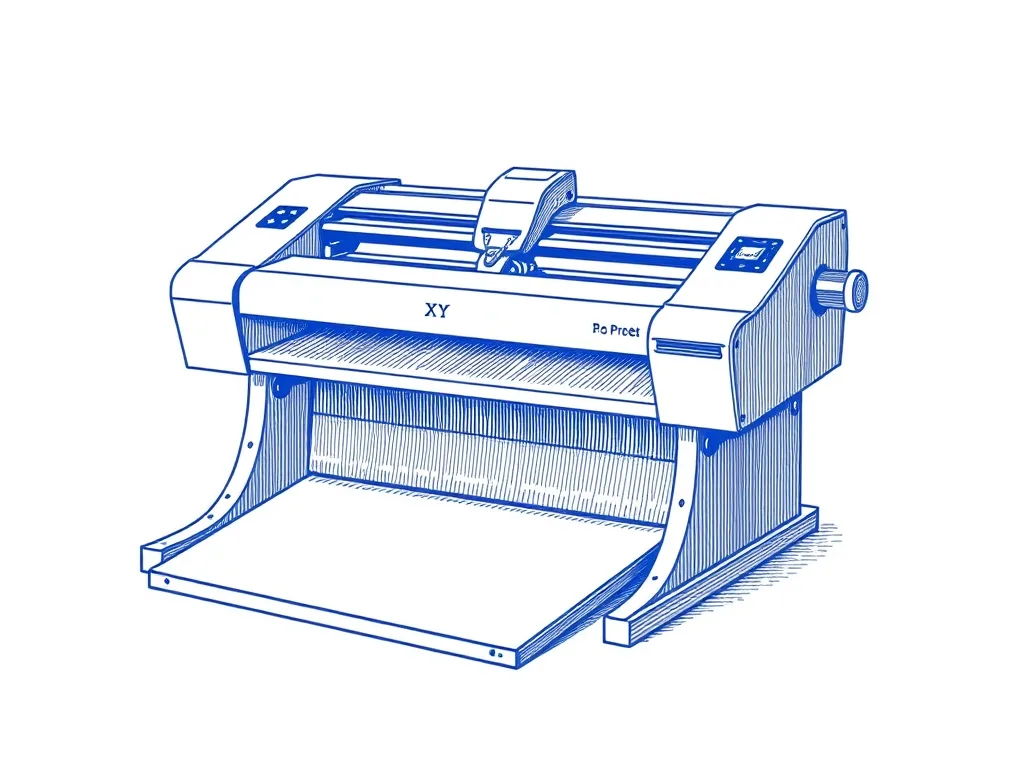
You don't need to spend $600 to start plotting. These machines get you drawing for under $300 — ranked by build quality, accuracy, and software support.
Pen plotters have a reputation for being expensive, and the top-tier machines — the AxiDraw, the NextDraw — genuinely are. But the category has matured. For under $200, you can now buy a machine capable of real art, not just proof-of-concept lines.
The machines here were chosen for accuracy per dollar, software accessibility, and community support — because a machine without documentation or a forum is a machine you’ll eventually give up on.
The iDraw 2 takes the top spot by a wide margin. Its A3-format CoreXY belt drive gives it the mechanical advantage that cheaper scara-arm designs lack, and its community has produced enough guides, configurations, and firmware fixes that setup is now a matter of hours rather than days. If you want to start plotting without spending $600, start here.
The Eleksdraw and the GRBL kit are for people who want to build or tinker — the journey is as much the point as the output. Neither will produce results as clean as the iDraw without significant work, but both will teach you how plotters actually function.
A3-format CoreXY machine with an active community, decent accuracy, and good software compatibility — the most capable budget machine by a significant margin.
A build-it-yourself drawing robot — slower and less accurate than dedicated plotters but the most economical entry point and a genuine electronics education.
Best for: Tinkerers who want to learn by building and tuning
DIY GRBL kits are the cheapest entry point. Dedicated budget plotters like the iDraw 2 cost roughly a third of what professional machines like the AxiDraw and NextDraw cost. For most beginners, a budget plotter is capable of serious work. Prices change often, so check the current price on Amazon.
Are cheap pen plotters accurate enough for real art?
The iDraw 2 is capable of genuinely good line art — its CoreXY belt drive keeps registration accurate enough for two- or three-colour layered plots. Very cheap GRBL kits have more slop and are better for learning than finished pieces.
What software works with budget plotters?
Most budget plotters use GRBL, which works with Universal Gcode Sender, Lightburn, and the vpype-gcode plugin. Some (like the iDraw 2) are AxiDraw-compatible enough to use the Inkscape extension. Always check community forums before buying to confirm software support.