Drawing robot toy vs drawing robot kit: which does your kid want?
Search “drawing robot for kids” and you’ll find two very different products under the same name.
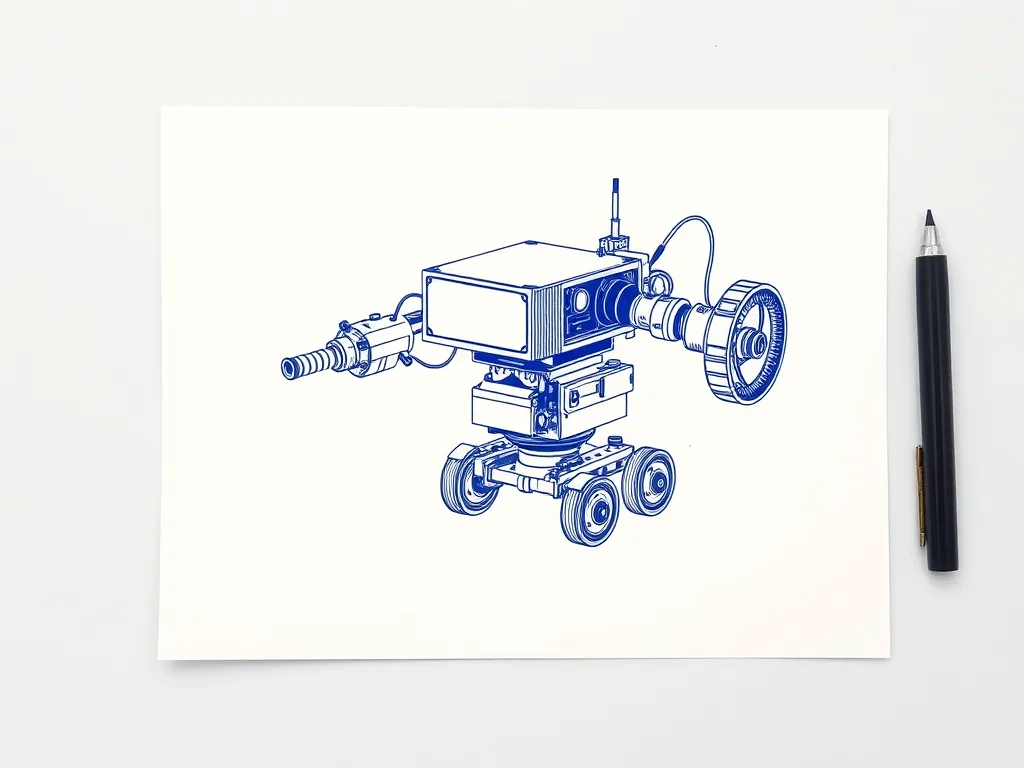
Drawing robot toys are preschool gadgets. Many are voice-interactive and card-driven, and they’re marketed for ages 3–8. The child slides in a card and the toy guides them through a picture step by step. VTech’s JotBot is a well-known example: VTech rates it for ages 4+, with a small-parts warning for children under 3. These toys teach drawing. There’s nothing to build or program, and they can’t draw anything your child designs.
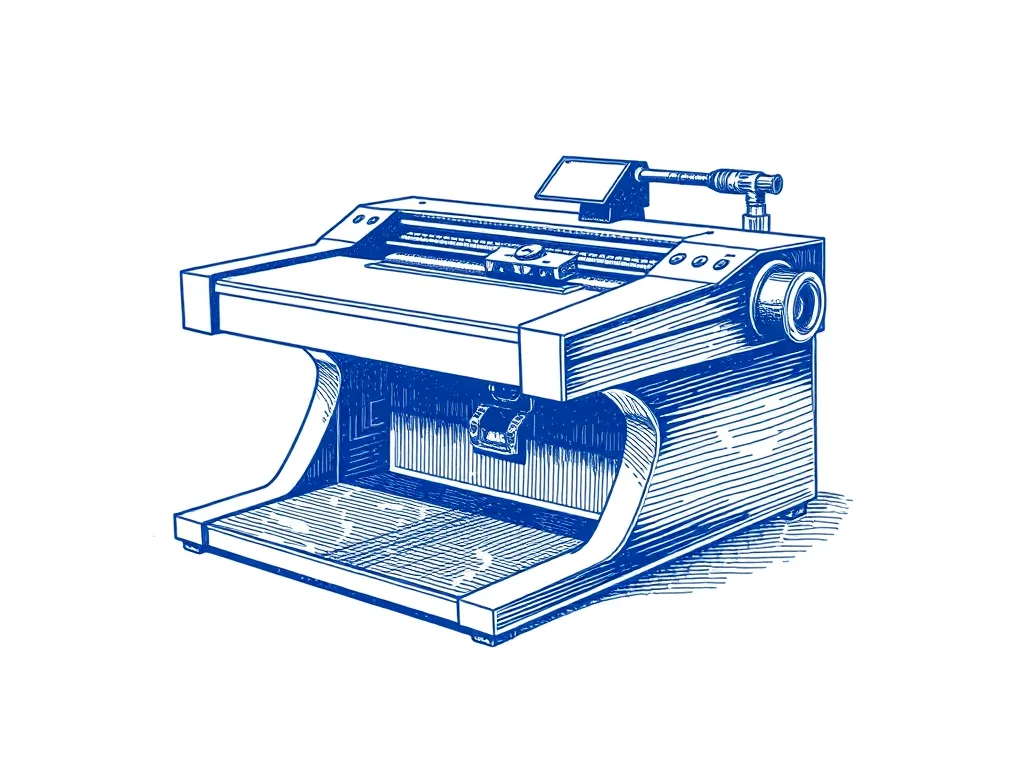
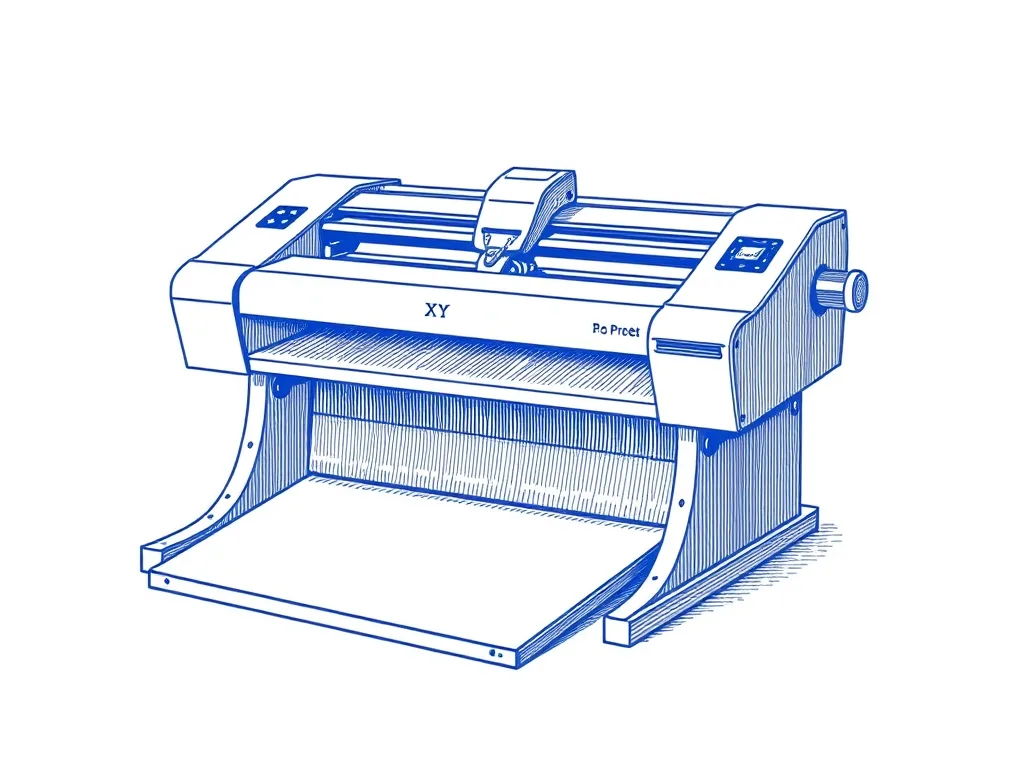
A drawing robot kit is better known as a pen plotter. It’s a small machine that holds a real pen and moves it across paper to draw any vector file you give it: a name in a fancy font, a pattern made with code, a holiday card designed on the computer. That’s what makes it STEM. The child designs a file and sends it to the machine. They watch motors and belts turn it into lines, and learn to troubleshoot when the lines come out wobbly. Our beginner’s guide to pen plotters explains the basics.
In between sit a few hobby electronics kits. One is a servo “pantograph” drawing arm built around an Arduino Nano and controlled from an Android phone over Bluetooth. Another is RobotShop’s Doodle Bot, which has an Arduino-compatible controller. Read the fine print on these. Elektor’s reviewers found the pantograph kit they looked at came without a printed manual (you download it) and needed your own screwdriver for some tiny Phillips screws. The Doodle Bot runs on four AAA batteries and needs a USB cable for programming, and both are sold separately.
A rough age guide
We found no manufacturer age rating for the plotters on this page, so this is our editorial judgment:
- Ages 3–8: a card-based drawing toy, if anything. A plotter is the wrong gift at this age.
- Tweens: a build kit can work if an adult builds it alongside them and stays close during the first plots.
- Teens: most can build, set up and run any of the picks below largely on their own. Keep an adult on hand for the power supply and the first test run.
Drawing robot kits for teens compared
| Model | Best for | Build effort | Drawing area | Firmware / connection | Listed software & OS | Laser caution |
|---|
| Two Trees GRBL Drawing & Writing Robot Kit | Teens who love building and tuning | Extensive full DIY build, ongoing tuning | — | GRBL over USB | — | — |
| EleksMaker EleksDraw | Builders who want a compact desk machine | Full kit build; about 3 hours in one magazine review | 280 × 200 mm | GRBL over USB | Candle, EleksCam, T2-Laser, GrblController; Windows 7/XP/8/10 | Commonly bundled with a 2500 mW laser; choose pen-only |
| UUNA TEK iDraw 2.0 A3 | Teens who want to make art | Less of a project than the kits | A3 (297 × 420 mm) | USB, GRBL firmware | Inkscape + plugin, LaserGRBL | Optional laser heads sold separately; leave them out |
Best drawing robot kit for teens who love building: Two Trees GRBL Drawing & Writing Robot Kit
If your teen takes things apart to see how they work, the Two Trees GRBL Drawing & Writing Robot Kit is the purest learning project here. It arrives as a box of parts, not a machine.
What the build involves:
- Assemble the frame.
- Fit the motors and route the belts.
- Wire the controller.
- Square the frame.
- Set up the servo that lifts the pen.
It’s an extensive build. Treat it as a weekend project you do together. The tuning doesn’t stop when the last screw goes in, either: expect to keep adjusting it.
Why it’s good for learning: it runs standard GRBL firmware over USB. GRBL is open, so the machine isn’t tied to one company’s app. All three picks on this page use it, so the skills carry over if your teen upgrades later. The kit handles drawing and basic handwriting, which makes name cards and lettering easy first goals.
Honest limits: the lightweight frame gives rougher lines than a rigid XY machine. A teen who expects crisp, frame-ready prints from day one will get frustrated.
Best for: a teen who’d enjoy fixing and tuning as much as drawing. Skip it if: they want good-looking art on the first weekend, or nobody in the house has patience for calibration. Our DIY pen plotter build guide shows what the process is really like.
Best compact build kit: EleksMaker EleksDraw
The EleksMaker EleksDraw is a small XY kit that sits comfortably on a desk. Independent build reports exist for it, so we can tell you more about the build than for the Two Trees kit.
Drawing size: the listed drawing area is 280 × 200 mm. That’s close to a sheet of US Letter, a little narrower, and plenty for cards, bookmarks, name tags and small posters.
The build: about three hours in Raspberry Pi Official Magazine’s review. That review is a few years old, so the kit and software may have changed. The instructions are picture-based and live on the EleksMaker wiki. Spare nuts and bolts were included, which helps when a tiny part disappears into the carpet.
Watch-outs:
- No end-stop switches. Nothing stops the pen head before it hits the frame. According to the review, the belt slips rather than breaking, but the drawing is ruined. A preview function traces the area to be drawn; make running it a habit before every plot.
- The pen lift may need freeing up. The reviewers had to loosen it. Our pen height and pressure guide helps.
- Low clearance. The drawing height limit is listed as 1 cm, so stick to paper and card.
Software and computer: supported software is listed as Candle, EleksCam, T2-Laser and GrblController. Supported systems are listed as Windows 7, XP, 8 and 10. If your family computer is a Mac or Chromebook, check before you commit. The machine runs GRBL over USB and reads JPG, BMP, SVG and G-code files. SVG support matters, because SVG is the format Inkscape users work in.
Choose the pen-only version. The EleksDraw is commonly sold bundled with a 2500 mW laser module. For a child’s gift, avoid that bundle (more in the safety section).
Best for: a teen who wants to build something real but has no room for a big machine. Skip it if: the only computer at home isn’t a Windows PC, or they’d rather draw than tinker.
Best for teens who want to make art, not build machines: iDraw 2.0 A3
Some teens don’t care how the machine works. They want their designs on paper. For them, the UUNA TEK iDraw 2.0 A3 is the better gift. It’s less of a project than the two kits, and it draws bigger than the EleksDraw.
Drawing size: A3, or 297 × 420 mm. That’s large enough for posters, framed gifts and wall art, not just cards. UUNA TEK’s 2.0 series also includes an A4 model if desk space is tight. Our A4 vs A3 comparison helps you pick the size.
Pens and software: the servo pen lift fits most pens, so ordinary fineliners work. It connects over USB, runs GRBL firmware, and works with Inkscape plus a plugin or with LaserGRBL. A teen can design in free software and send the drawing straight to the machine.
Before you wrap it: listings vary, so confirm what’s in the box and how much setup is involved. UUNA TEK also sells optional laser engraving heads for its plotters. Leave those out of a child’s gift.
Best for: an older teen who wants to make art, or a family that will share the machine. Skip it if: the real goal is learning engineering by building; one of the kits teaches more. For a broader comparison aimed at older beginners, see the best pen plotter for beginners. Adults shopping for themselves can compare the same machines in our best budget pen plotters roundup.
How to choose: age, build effort, size and computer
Build or ready-to-draw?
Be honest about patience, and about whether an adult will actually help. The Two Trees kit is an extensive build with ongoing tuning. The EleksDraw took about three hours in one magazine review. The iDraw 2.0 A3 is the least work. A kit that sits half-built in a closet teaches nothing. If you’re unsure, the shorter build or the art-first machine is the safer choice.
Drawing size
Most kids start with name tags, cards and bookmarks, and an EleksDraw-sized area (280 × 200 mm) handles all of them. A3 opens up posters and framed pieces. It also takes more desk space, and large drawings take longer to finish.
Computer check
Check this before anything else:
- Inkscape is free, open source and runs on macOS, Windows and Linux. The iDraw’s listed software includes Inkscape with a plugin.
- Vendor apps can be Windows-only. EleksDraw’s supported systems are listed as Windows 7, XP, 8 and 10.
- As a general rule, Chromebooks are a poor fit for plotters. Plan on a Windows, Mac or Linux computer.
Whatever the machine, the drawing files are usually SVGs. Our guide to preparing an SVG for plotting covers the basics.
Pens
None of these machines need special cartridges. All three use a servo pen lift that takes ordinary pens: the EleksDraw’s clamp fits common pens, the iDraw fits most pens, and the Two Trees kit takes pens and markers. Running costs stay low, and kids can experiment with pens they already own.
Safety notes for parents
None of these are reasons to avoid a plotter. They’re the things to set up properly from day one.
- Avoid laser bundles. Many cheap “drawing robot” and plotter listings double as laser engravers or sell laser heads as add-ons. The EleksDraw is commonly bundled with a 2500 mW laser module, and UUNA TEK sells optional laser heads for the iDraw. For a child, choose the pen-only version and don’t add a laser later.
- Mains power. The EleksDraw runs from a wall adapter, listed as 12 V 2.5 A. An adult should handle the first power-up and check the wiring on a build kit before it’s plugged in.
- Moving parts. Belts, pulleys and a moving pen head can catch long hair and fingers. Tie hair back, keep hands clear while it runs, and supervise younger builders.
- Small parts. Build kits come with tiny screws and nuts. Work on a tray, and keep loose parts away from younger siblings.
- Crashes. Machines without end stops, like the EleksDraw, can drive the head into the frame. Teach the habit of previewing the drawing area before every plot.
Complete the gift: what to put in the box
A plotter alone won’t draw much on day one. Add these and it can draw the day it’s unwrapped. For build kits, also have a small screwdriver set and a parts tray ready. More ideas are in our pen plotter gift ideas.
Pens that clamp well
The Sakura Pigma Micron fineliner set has rigid felt tips that suit plotter pen holders. The ink is pigment-based, archival and waterproof. Sizes run from 005 (0.20 mm) to 08 (0.50 mm), so a teen can compare fine and bold lines. More options are in our best pens for pen plotters roundup.
Cheap paper for test plots
Kids burn through paper on test runs. The Canson XL Marker Paper pad is light (around 70 gsm), smooth and bleed-resistant. Use it to proof a design before plotting on better stock. Our paper roundup covers nicer sheets for finished gifts.
Tape to hold paper flat
ScotchBlue Original Painter’s Tape is low-tack and lifts cleanly for up to 14 days, so it keeps paper from sliding mid-plot without tearing it. Get the 1 in width.
Free design software
Inkscape costs nothing. It’s open source and works natively in SVG, the format plotters like. Install it before gift day so the first design session can start right away.
A book for teens who want to code
The Nature of Code by Daniel Shiffman teaches forces, oscillation, noise and agents through p5.js and Processing examples. It’s pitched at beginner to intermediate level. It turns “I can plot a drawing” into “I can write code that makes drawings”.
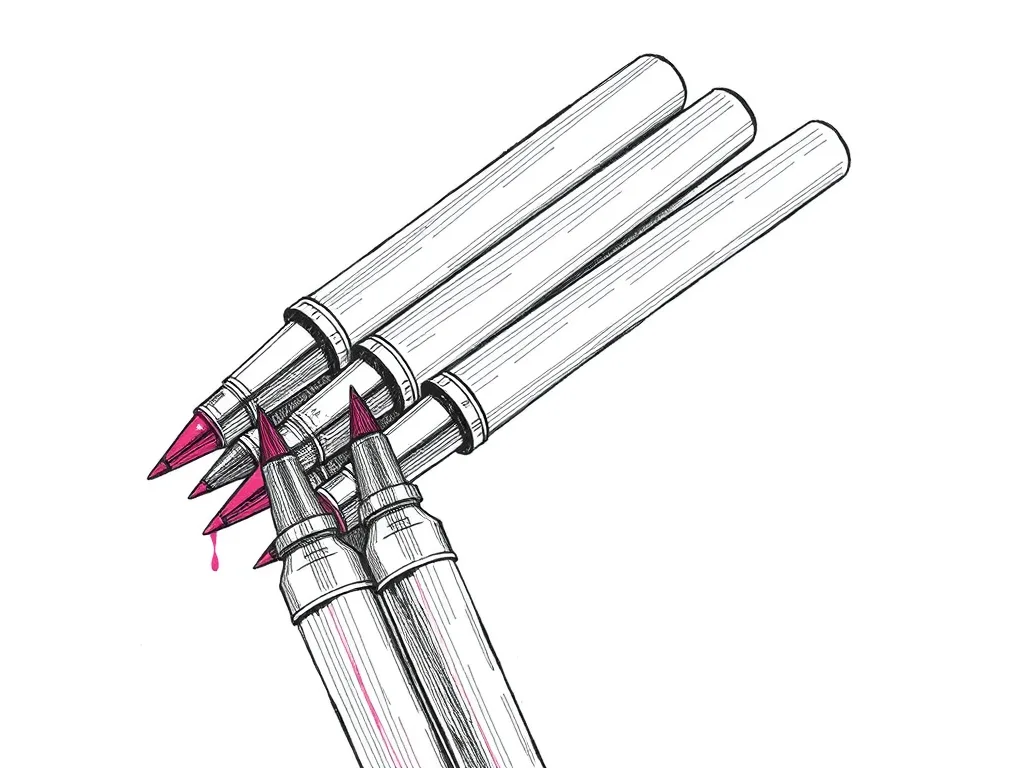
Archival pigment fineliners that are the de facto default for pen plotting — consistent line width, fade-proof ink and almost no skipping.
Best for: Clean, consistent line art on most papers

A smooth, semi-translucent marker pad that resists bleed and costs almost nothing — the paper to waste on test plots before you commit good stock.
Best for: Throwaway test plots and proofing
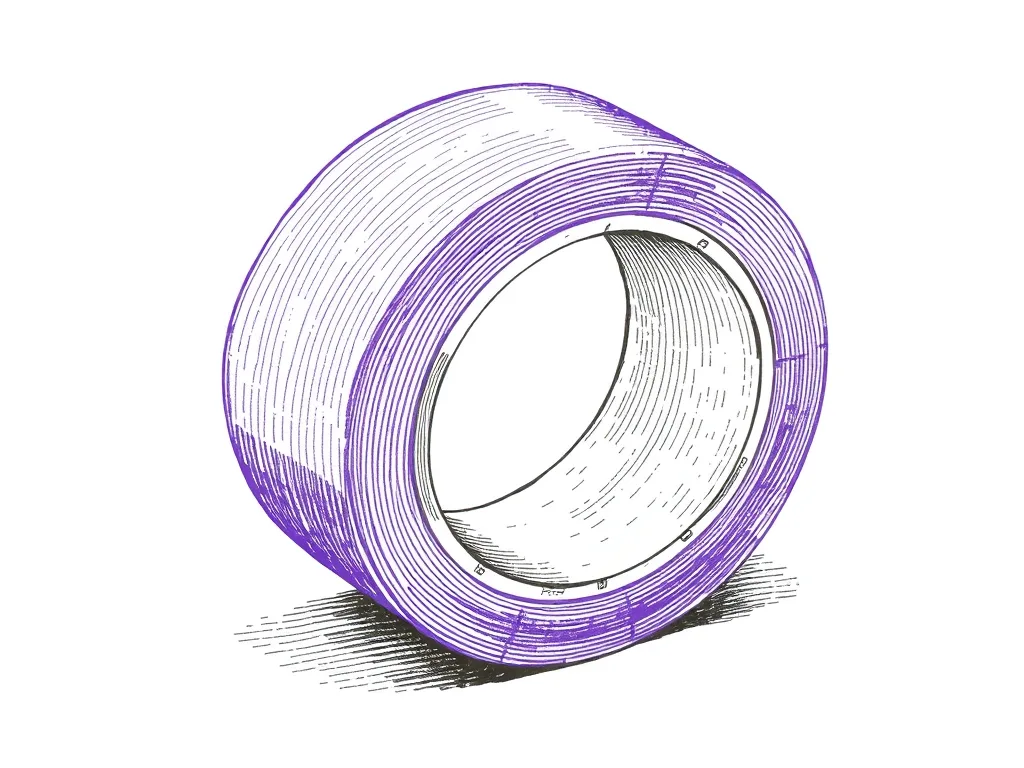
Low-tack masking tape that pins paper to the bed without tearing it — the cheapest upgrade to plot registration and clean edges you can buy.
Best for: Keeping paper flat and registered mid-plot
The free, open-source vector editor that doubles as the native design and machine-control interface for AxiDraw and NextDraw plotters.
Best for: Design and machine control in one free application
The book that teaches the generative-systems thinking behind great plotter art — flow fields, forces, noise and autonomous agents, all in approachable code.
Best for: Learning to generate art worth plotting
First-weekend projects that teach STEM
Start with our step-by-step guide to making your first pen plot, then work through these in order:
- Name tags and holiday cards. Regular fonts get drawn as outlines, which looks odd from a pen. Single-line fonts fix that and give clean lettering fast. It’s an easy first win, and it shows how computers describe shapes.
- Spirograph and parametric patterns. A few equations produce intricate looping designs: math you can see. Our parametric and spirograph art guide walks through it.
- First code-generated art. Write a short sketch in p5.js or Processing, export it as SVG and plot it. Getting started with Processing and The Nature of Code take it further.
- Diagnose a wobbly line. Sooner or later a plot will come out shaky or skewed. Working out whether it’s belt tension, pen height or a frame that isn’t square is real engineering, and it shows why every machine needs calibration. Keep our troubleshooting guide handy.
For teens who get hooked, our generative art guide is the natural next step.