5 Multi-Color Plotting Mistakes (and How to Avoid Them)
Multi-color pen plots go wrong in predictable ways. Here are the 5 most common multi-color plotting mistakes — misregistration, smearing, wrong order — and the fixes.
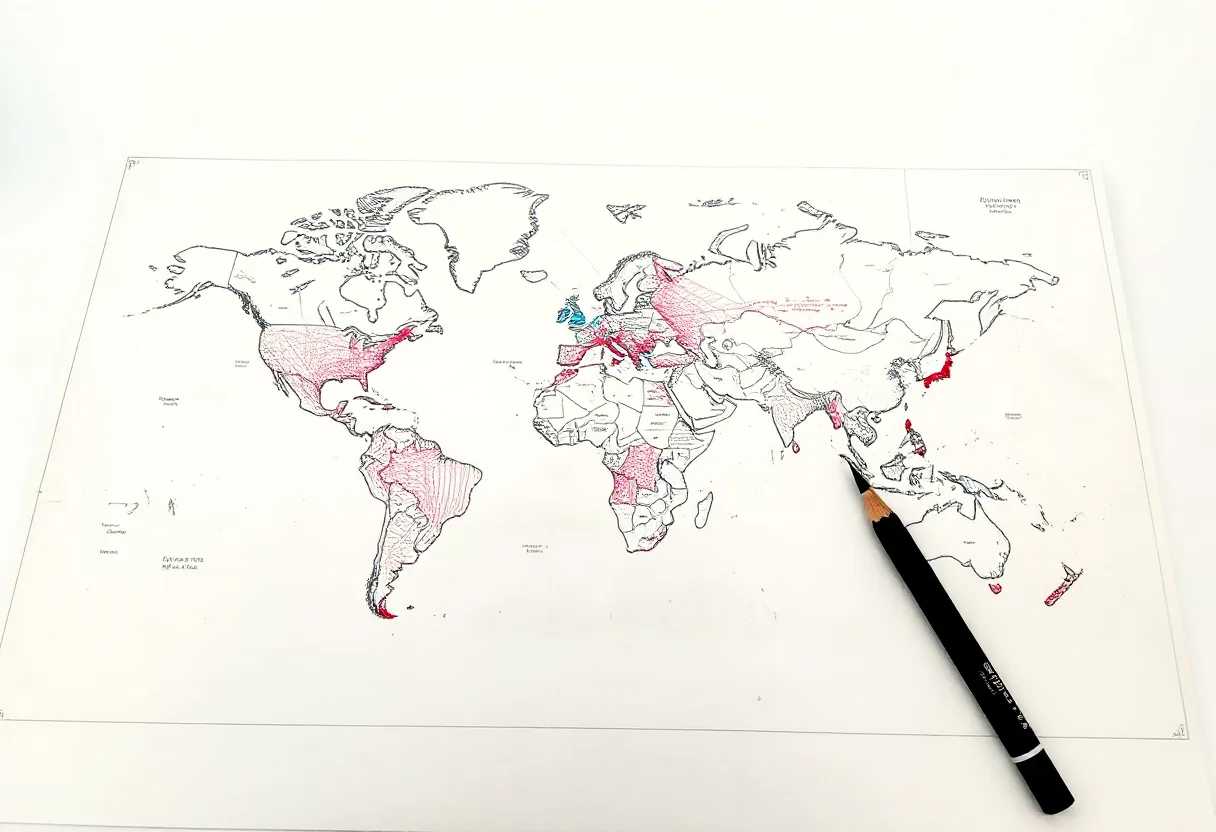
Multi-color plots are some of the most rewarding things a pen plotter makes — and some of the most failure-prone. The mistakes are predictable, though, which means they’re avoidable. Here are the five that ruin multi-color plotting, and exactly how to dodge each one.
Mistake 1: Not separating colors into layers
The most common error. If your design has all colors mixed in one layer and you send the whole file, the plotter draws everything with one pen. Separate each color into its own layer (in Inkscape) or its own exported SVG, and plot them in sequence. This is the foundation of all multi-color work — get it right first.
Mistake 2: Letting the paper move between pen changes
Every pen change is a chance for the paper to shift, and even half a millimeter shows on a tight design. The fix:
- Tape all four edges with low-tack painter’s tape
- Never lift the paper until the entire multi-color plot is finished
- Use the same homing routine before each color so the machine’s zero never drifts
Mistake 3: Inconsistent pen height in the clamp
Most clamps have no mechanical stop — they rely on you inserting each pen to the same depth. If your red pen sits 2 mm higher than your black pen, registration and line weight both suffer. Mark each pen’s insertion depth with tape or a felt-tip line, and seat every pen to that mark.
Mistake 4: Plotting colors in the wrong order
Order matters. On white paper, plot lightest to darkest. Dark ink laid over a slightly misregistered pale edge reads as intentional; a pale line bleeding over a dark edge reads as an error. Fast-drying ink like Pentel EnerGel also helps here. On dark paper, reverse the logic — background first, bright highlights last.
Mistake 5: Not letting ink dry between passes
If the pen travels back over a color that’s still wet, it smears the first color and contaminates the second. Two defenses:
- Use fast-drying inks (EnerGel, pigment fineliners)
- Wait 15–30 seconds between color passes — longer for wet or gel inks, especially where one color crosses another
A reliable multi-color routine
- Separate colors into layers
- Optimize each layer with vpype
- Tape paper on all four edges
- Plot lightest color first
- Cap the pen, seat the next to its depth mark, re-home
- Wait for dry time, then plot the next color
- Leave the paper taped until completely done
Follow that sequence and the five mistakes above simply don’t happen — and multi-color plots become reliable instead of a gamble.
Frequently asked questions
Why don't my colors line up in a multi-color plot?
Misregistration usually comes from the paper moving between pen changes or pens sitting at different heights in the clamp. Tape all four edges, mark a consistent pen insertion depth, and use the same homing routine for every color.
Why does my second color smear the first?
The first color wasn't dry. Use fast-drying inks and wait 15–30 seconds (longer for wet inks) between color passes, and plot light colors before dark ones.
What order should I plot colors in?
Lightest to darkest on white paper. Dark ink over a pale edge looks intentional; a pale line over a dark edge looks like a mistake. On dark paper, plot background elements first and highlights last.
Gear mentioned in this post
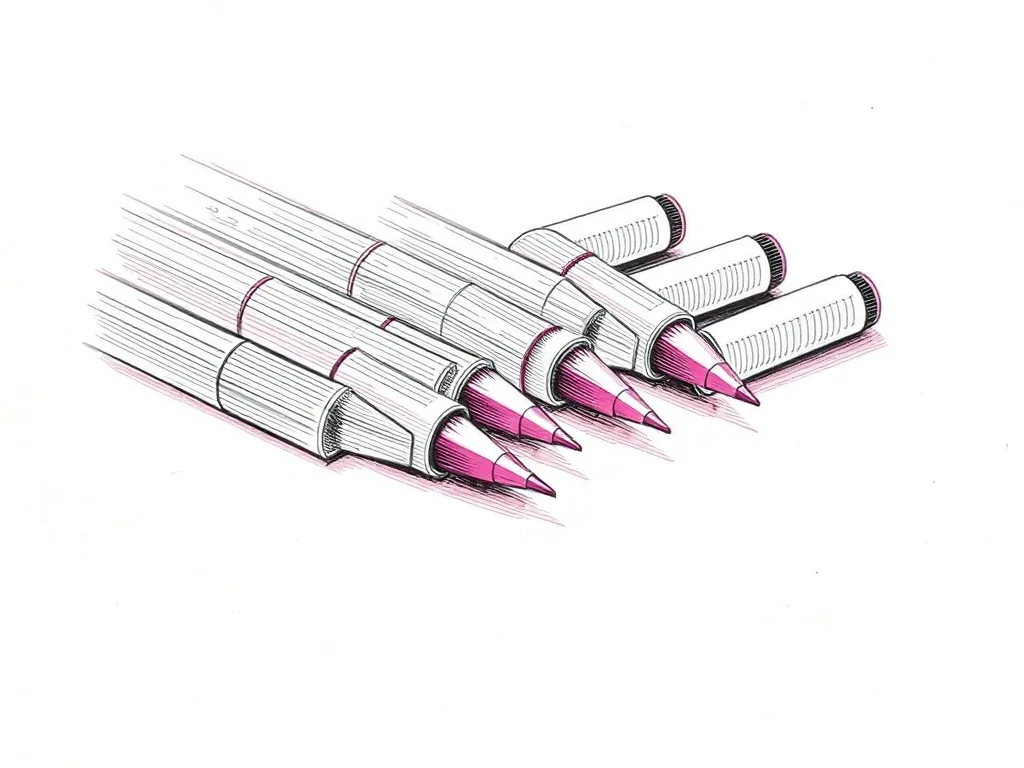
Pentel EnerGel Liquid Gel Pen Set
4.5 (3,100)Fast-drying liquid gel pens with vivid color saturation — a compelling way to add bold color to pen plotter art without waiting minutes between passes.
Best for: Bold color plots and multi-pass color work
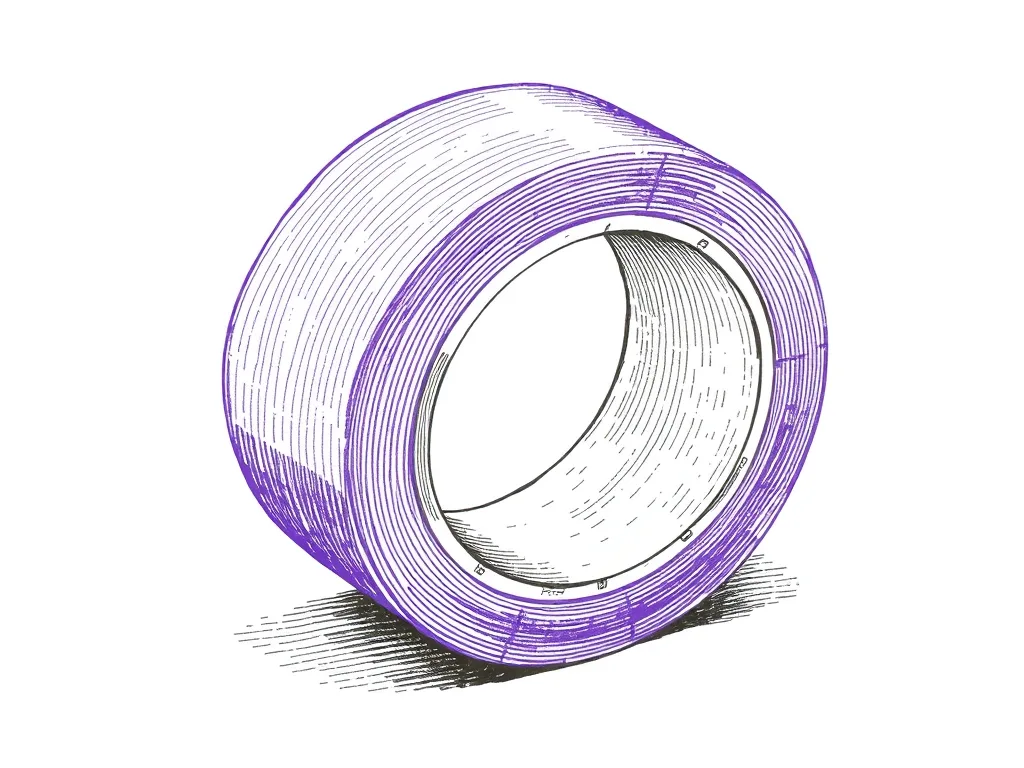
ScotchBlue Original Painter's Tape
4.8 (21,000)Low-tack masking tape that pins paper to the bed without tearing it — the cheapest upgrade to plot registration and clean edges you can buy.
Best for: Keeping paper flat and registered mid-plot