Cricut vs Pen Plotter: Which Drawing Machine Should You Buy in 2026?
A Cricut can trace SVG line art in Pen mode, but it's a cutting machine that draws. Here's how it compares with a dedicated pen plotter on pens, surfaces, software and ease of use, and which plotter suits a Cricut owner.
Yes, a Cricut can work as a basic pen plotter. Upload an SVG in Design Space, set the layer’s operation to Pen, and the machine traces the lines. But it’s a cutting machine that can draw, not a drawing machine. For generative art, line work with any pen you like, or drawings on wood, a dedicated pen plotter is the better buy.
Whether you’re a crafter eyeing plotter art or a maker wondering if your Cricut can stand in for an AxiDraw, one question settles it: what do you want to make?
We earn a commission on qualifying purchases made through links on this page, at no extra cost to you. Learn more.
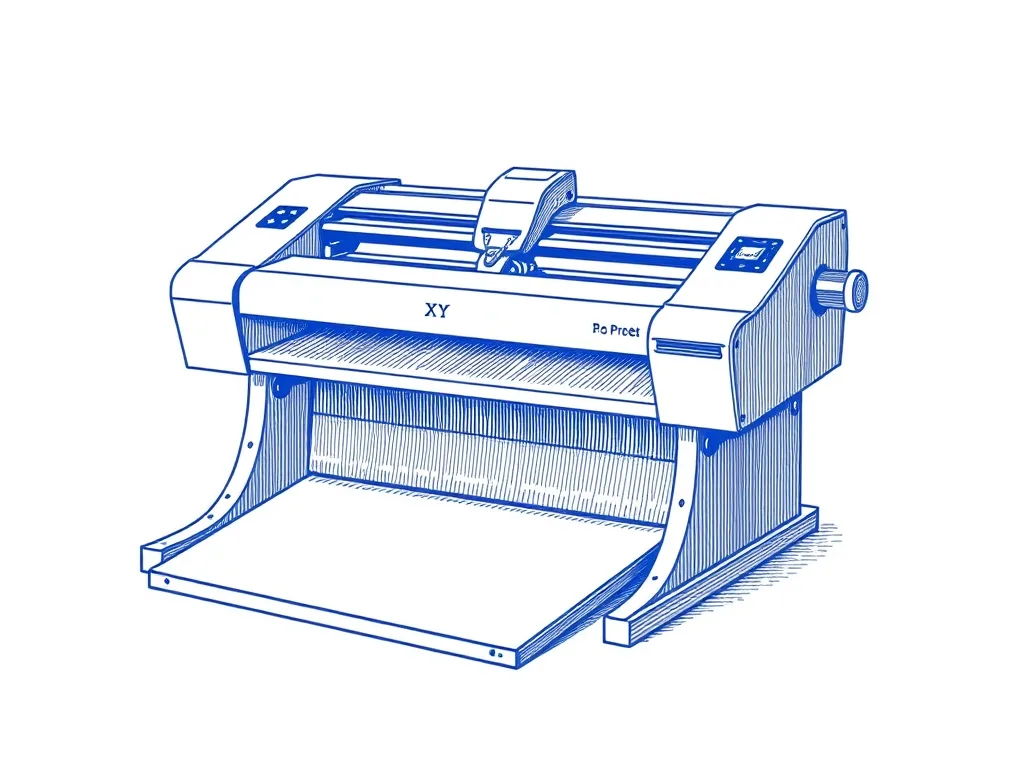
UUNA TEK iDraw 2.0 A3 Pen Plotter
For Cricut owners ready for a real plotter. It arrives ready to run, draws on A3 sheets, and its pen mount fits most pens. You control it through Inkscape and a plugin. It fixes the Cricut's two big limits, pen choice and rigid surfaces, without moving into the premium tier.
Best for: Makers who want A3 plots out of the box
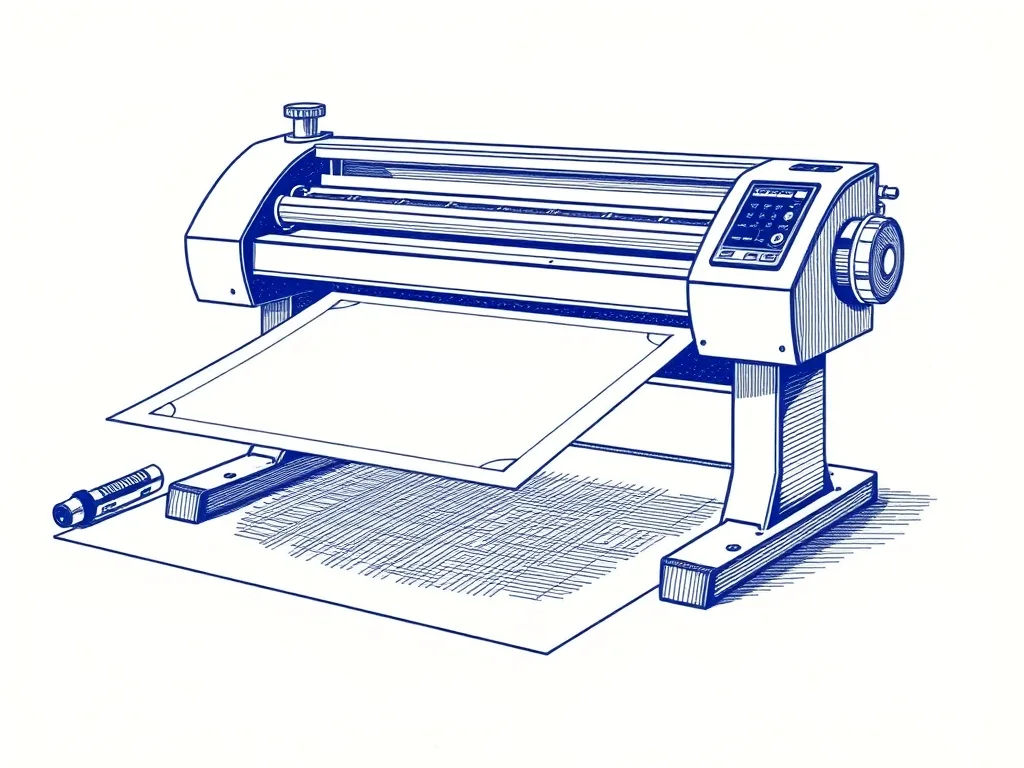
Bantam Tools NextDraw 8511
For buyers who want the established AxiDraw-style workflow in a current-production machine. You get a universal pen clamp, an Inkscape plugin, a CLI and a Python API in a desk-friendly letter/A4 size.
Best for: Buyers who want the AxiDraw lineage, current-production
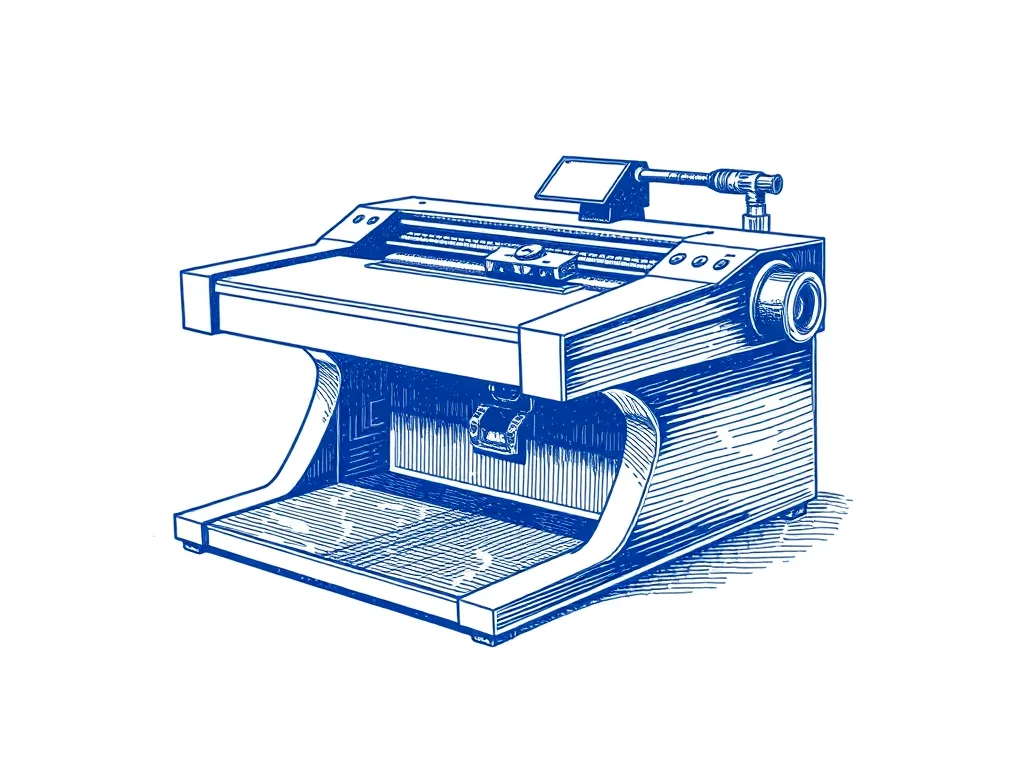
EleksMaker EleksDraw XY Pen Plotter
For Cricut owners who want to test dedicated plotting and don't mind building and tuning a kit. It's an entry-level kit with a roughly A4-class area, a clamp that fits common pens and GRBL over USB.
Best for: Budget-minded beginners willing to build a kit
The short answer: Can a Cricut be a pen plotter?
In a limited way, yes. The Ignite studio at Hamilton East Public Library calls its Cricut “the closest thing we have to a pen plotter.” Their process: upload an SVG, set the operation to pen, and the Cricut traces it. For outline line work, that’s the whole trick, and it works.
The limits come from the design. A Cricut is a blade-first crafting machine that accepts a pen. A pen plotter does one job, drawing, and its pen holder, software and workflow are all built around it.
The one-line verdict:
- Crafts that need cutting, with drawn accents → Cricut.
- Line art, generative art, any pen, rigid surfaces → pen plotter.
Cricut (Pen mode) vs a dedicated pen plotter
| Attribute | Cricut (Pen/Draw operation) | Pen plotter (iDraw 2.0 A3, NextDraw 8511, EleksDraw) |
|---|---|---|
| Built for | Cutting; drawing is one of several tools | Drawing only: moves a pen in two axes along vector paths |
| Pens accepted | Cricut pens and markers; Joy/Joy Xtra pens don’t fit the larger machines; other pens need 3D-printed adapters | Most pens: universal clamp (NextDraw), mount fits most pens (iDraw), clamp for common pens (EleksDraw) |
| Surfaces | Paper and cardstock | Paper and cardstock, plus thick or rigid materials like wood |
| Software | Cricut Design Space (account required) | Inkscape + plugin (free); LaserGRBL (iDraw); CLI and Python API (NextDraw) |
| File workflow | Vector upload, then set the layer’s Operation to Pen | SVG from any tool, optimized with vpype, then plotted |
| Multi-color | Pen color per layer; machine pauses for pen changes | One pen at a time; plot each color as a separate layer |
| Ease of use | More user-friendly, guided setup | Steeper learning curve |
| Hackability | Third-party 3D-printed pen adapters | Hackable; GRBL firmware (iDraw, EleksDraw); CLI and Python API (NextDraw) |
| Extra tools | Cutting plus other tool options | — |
| Drawing area | — | Letter/A4 (NextDraw 8511), roughly A4-class (EleksDraw), A3 297 × 420 mm (iDraw 2.0 A3) |
Cutting machine vs pen plotter: what each is built for
A Cricut is a cutting machine first. Drawing is one of several tools. In Design Space, it’s simply an operation you assign to a layer.
A pen plotter is an XY machine. It moves a pen in two axes along line paths, so it produces clean strokes rather than pixels. It doesn’t print, and our plotter picks don’t cut. It draws vector paths. New to plotters? Start with our beginner’s guide to pen plotters.
The overlap is real. Hackster’s review of the iDraw 2.0 named Cricut and Silhouette crafting machines as the pen plotter’s true competitors: many are more affordable, more user-friendly and offer more tool options. The same reviewer gave two reasons to pick a plotter anyway:
- It can handle thick or rigid materials like wood.
- It’s hackable.
Those two points, plus pen choice, decide most buyers.
Pens: the biggest practical difference
The pen decides how your drawing looks. It’s also where the two machines differ most.
Cricut: built around Cricut pens
Cricut’s drawing workflow is designed around its own pens and markers. Even within the brand they aren’t fully interchangeable. According to JenniferMaker, the pens and markers made for the Cricut Joy and Joy Xtra don’t work with the larger machines.
Want your favorite fineliner? Makers have managed it with 3D-printed adapters:
- One Instructables project fits a Staedtler Pigment Liner into a Cricut Maker 3. Installing it means bending the original pen holder to get it out.
- Another maker drove a Cricut Explore with a Circuit Scribe pen in a 3D-printed holder.
It can be done. It’s a workaround, not a feature.
Pen plotters: almost any pen
Plotters are built for pen freedom:
- The NextDraw 8511 uses a universal clamp.
- The iDraw 2.0 A3’s mount fits most pens.
- The EleksDraw’s clamp takes common pens.
Hackster’s review of the A4 iDraw 2.0 reported that its pen mount accepted a wide range of pen sizes and shapes, and that the lift’s spring tolerates small errors in drop distance.
That covers fineliners, gel pens and paint markers. Two fineliners make a good start:
- Sakura Pigma Micron: archival, waterproof pigment ink, a rigid felt tip, and sizes from 005 (0.20 mm) to 08 (0.50 mm). Suits clean, consistent line art on most papers.
- Staedtler Pigment Liner 308: waterproof, lightfast pigment ink and a metal-clad tip that holds its shape. Suits long plots that are hard on tips.
More options in the best pens for pen plotters, or go head-to-head with Pigma Micron vs Staedtler Pigment Liner.
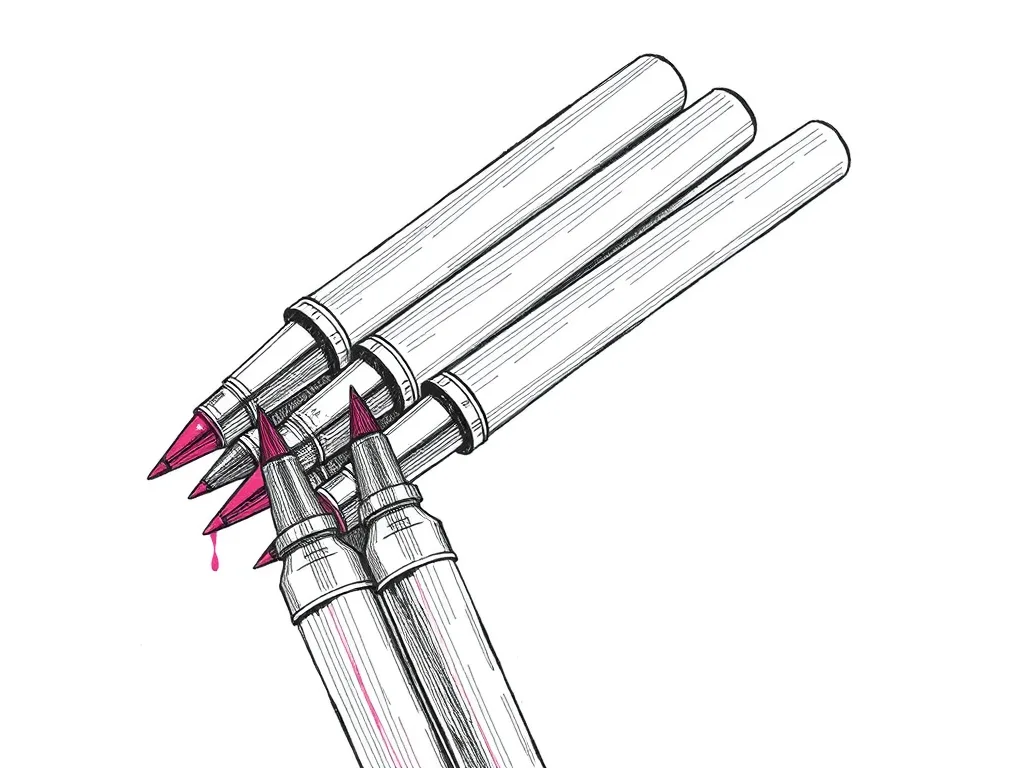
Sakura Pigma Micron Fineliner Set
Archival pigment fineliners that are the de facto default for pen plotting — consistent line width, fade-proof ink and almost no skipping.
Best for: Clean, consistent line art on most papers
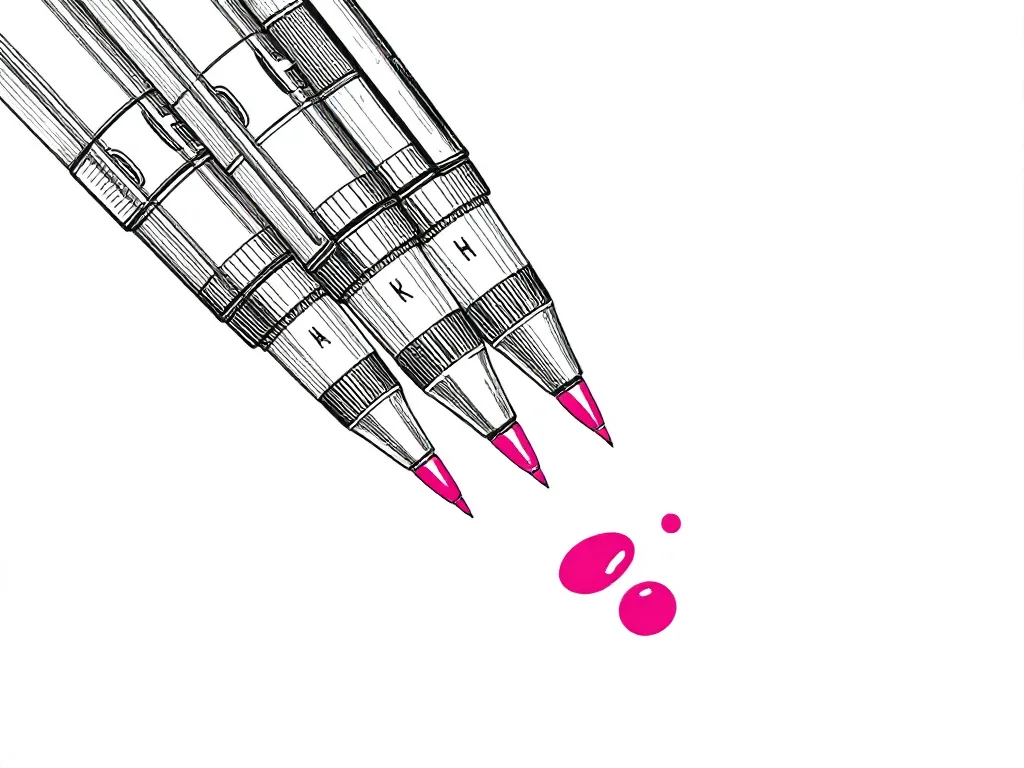
Staedtler Pigment Liner 308 Set
The technical-pen answer to Microns — metal-clad tips that survive heavy plotting, pigment ink that stays put, and a line width that barely drifts.
Best for: Long, tip-punishing plots on smooth paper
Surfaces and materials
Hackster’s reviewer put it plainly: if you just want to draw on paper or cardstock, a Cricut is probably the better choice. If you want to draw on something like wood with a paint marker, you need a plotter. The review lists thick and rigid materials as one of the main reasons to choose a plotter over a crafting machine.
Wood, board or other unusual surfaces on your list? Read plotting on wood and other unusual surfaces. After white or metallic ink on black paper? Our dark-paper guide covers the pens and paper to use.
Software and workflow: Design Space vs Inkscape and code
Cricut: Design Space
Design Space requires a Cricut account. To draw your own artwork:
- Bring the SVG in through vector upload.
- Change the layer’s Operation to Pen.
For several colors, JenniferMaker’s walkthrough gives each layer its own pen color, then uses Attach. The machine pauses and prompts you to swap pens. It’s friendly, guided and built around craft projects.
Pen plotter: Inkscape plus a plugin
On a plotter, Inkscape does Design Space’s job. It’s free and open source (GPL) on macOS, Windows and Linux. It uses SVG natively and imports AI, PDF and EPS. Our two main picks connect a little differently:
- NextDraw: the official AxiDraw/NextDraw extension controls the machine from inside Inkscape.
- iDraw 2.0 A3: works with Inkscape plus a plugin, and with LaserGRBL.
On the A4 iDraw 2.0, Hackster noted the iDraw extension appears to be derived from the open-source AxiDraw extension. The reviewer also controlled that model through LightBurn.
Inkscape handles a key prep step too. Plotters need vector paths, and Inkscape can convert artwork or text into the paths the plotter extension uses. Our Inkscape + AxiDraw plugin guide walks through the setup.
vpype: the optimization step
vpype sits between your design and the plotter. It’s free (MIT licensed), Python-based and has more than 30 community plugins. It reads SVG and writes SVG, HPGL, G-code or a preview, reordering and merging paths so plots run more smoothly. This beginner’s vpype tutorial gets you going in minutes.
Where plotters pull ahead: generative art
Generative art usually follows one pipeline:
- Write a sketch in p5.js or Processing.
- Export it as SVG.
- Optimize it with vpype.
- Send it to the plotter.
A Cricut can trace the exported SVG through Design Space, so you can experiment. A plotter keeps the whole chain in tools made for it; on the NextDraw that includes a CLI and a Python API. Start with getting started with generative art, then exporting SVG from p5.js and preparing an SVG for plotting.
Inkscape Project Inkscape (Free)
The free, open-source vector editor that doubles as the native design and machine-control interface for AxiDraw and NextDraw plotters.
Best for: Design and machine control in one free application
Antoine Beyeler vpype (Free)
The command-line Swiss-army knife for pen plotter SVGs — optimizes, reorders, merges, crops and prepares vector files for cleaner, faster plots.
Best for: Everyone — mandatory step between generative art and plotting
Cricut vs pen plotter: side-by-side
The table below sums it up. The plotter column draws on our three picks: the iDraw 2.0 A3, the NextDraw 8511 and the EleksDraw.
- The Cricut wins on ease of use and extra tools.
- The plotter wins on pens, surfaces and workflow.
Which matters more depends on whether drawing is a side feature for you or the whole point.
Who should buy a Cricut, and who should buy a pen plotter
Buy (or keep using) a Cricut if…
- You mostly make cards, labels and vinyl projects.
- Cutting matters as much as drawing, or more.
- You want the easiest, most guided setup.
- You only draw on paper or cardstock. That matches Hackster’s verdict.
Buy a pen plotter if…
- You want generative art or detailed line art.
- You want your own pens, from fineliners to gel pens to paint markers.
- You want sheets up to A3, with the iDraw 2.0 A3.
- You want to draw on rigid surfaces like wood.
- You want a machine to tinker with and extend.
Already own a Cricut? Get the most from it first
Before buying anything, try plotter-style work on the machine you have:
- Start from clean vector files. The steps in how to prepare an SVG for plotting apply to Cricut Pen mode too.
- Use single-line fonts for lettering. Regular fonts are shapes, so a pen traces their outlines. Single-line fonts draw each letter as single strokes.
- Build tone with lines. A pen draws strokes, not solid areas. Hatching fills give areas a shaded, filled look.
- Plan colors by layer. Plotters work the same way. Compare Design Space’s pen-swap prompts with multi-color plotting on a single-pen plotter.
Upgrade when pen choice, surfaces or the Design Space workflow start holding you back. A pen plotter also makes a thoughtful gift for someone who already has a Cricut and keeps drawing with it. More ideas in our pen plotter gift guide.
If you choose a pen plotter: our picks
iDraw 2.0 A3: the all-round step up
The iDraw 2.0 A3 is the natural next machine for a Cricut owner.
- A3 drawing area (297 × 420 mm) on a belt-driven XY gantry
- Pen mount that fits most pens
- USB with GRBL firmware
- Inkscape with a plugin, plus LaserGRBL
Suits: makers who want large plots out of the box. Skip if: desk space is tight, or letter-size sheets cover everything you make.
NextDraw 8511: the AxiDraw lineage, current production
The NextDraw 8511 from Bantam Tools carries the AxiDraw lineage.
- US letter / A4 drawing area (8.5 × 11 in)
- CoreXY belt drive
- Universal pen clamp
- USB connection
- Inkscape plugin, CLI and Python API
Suits: buyers who want a premium, established workflow with room to script. Skip if: you need A3 sheets. Weighing the older AxiDraw models? Read AxiDraw vs NextDraw.
EleksDraw: the most affordable real XY plotter
The EleksDraw XY Pen Plotter is a full kit build.
- Roughly A4-class drawing area
- Belt-driven XY on a lightweight frame
- Servo pen lift with a clamp for common pens
- GRBL over USB
Suits: Cricut owners who want to test dedicated plotting on an entry-level budget and enjoy building things. Skip if: you want something that runs straight out of the box.
Still deciding?
- Unsure about size? Read A4 vs A3 pen plotter.
- Comparing the two main picks? See AxiDraw vs iDraw.
- Want the full field? Browse the best pen plotters of 2026, the best budget pen plotters and the best pen plotter for beginners.
What else you need to start plotting
The machine is only part of the setup. You’ll also want:
- Pens: a fineliner set such as the Pigma Micron covers most line art.
- Smooth paper: Strathmore 300 Series Bristol Smooth is a 270 gsm (100 lb) paper with a smooth plate surface, in 9×12 in and 11×14 in pads. It suits pigment fineliners, gel pens and ballpoints.
- Low-tack tape: ScotchBlue Original Painter’s Tape keeps paper flat and in register mid-plot, and doubles for masking layers. According to the manufacturer, it lifts cleanly for up to 14 days.
- Free software: Inkscape for design and plotter control, vpype for optimization.
The complete list is in the best pen plotter starter kit and the best accessories for pen plotters. Paper still an open question? Read how to choose paper for pen plotting.

Strathmore 300 Series Bristol Smooth Pad
A heavyweight, ultra-smooth bristol that takes fineliner ink cleanly with no feathering — the safe default surface for crisp plots.
Best for: Crisp line art with fineliners and gel pens
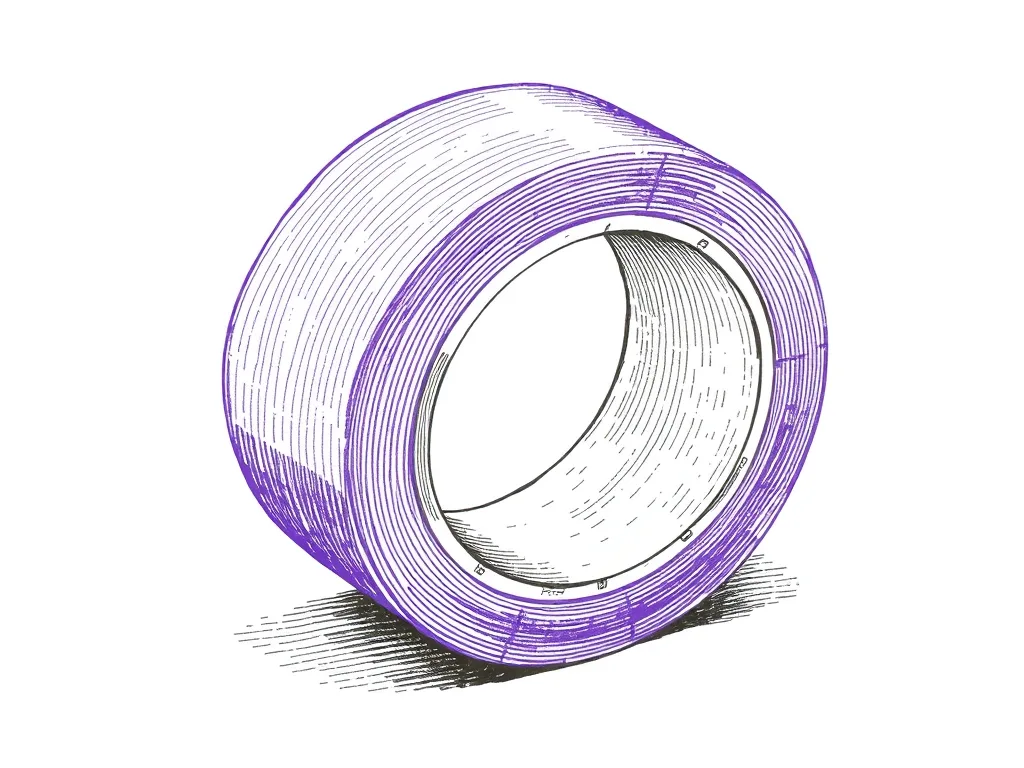
ScotchBlue Original Painter's Tape
Low-tack masking tape that pins paper to the bed without tearing it — the cheapest upgrade to plot registration and clean edges you can buy.
Best for: Keeping paper flat and registered mid-plot
Frequently asked questions
Can you use a Cricut as a pen plotter?
Yes, for line drawing. Upload your SVG in Design Space, set the layer's operation to Pen, and the Cricut traces the lines. It's designed around Cricut pens and a craft-focused workflow, and it's at its best on paper and cardstock.
Can I put a Sakura Micron or Staedtler fineliner in my Cricut?
Only with a third-party or 3D-printed adapter. One Instructables adapter for the Maker 3 holds a Staedtler Pigment Liner, but installing it means bending the original pen holder to remove it. Pen plotter clamps take most pens without modification.
Do Cricut Joy pens work in the Maker or Explore?
No. According to JenniferMaker, the pens and markers made for the Cricut Joy and Joy Xtra don't work with the larger machines.
Can a Cricut do generative art from p5.js or Processing?
It can trace SVG paths exported from your sketch once you upload them to Design Space. A pen plotter gives you a direct Inkscape, vpype and command-line workflow, plus A3 sheets on machines like the iDraw 2.0 A3.
Is a pen plotter harder to use than a Cricut?
Generally, yes. Hackster's reviewer called crafting machines more user-friendly and described the iDraw 2.0 A4's software as rudimentary beyond basic functions.
Can a pen plotter cut vinyl like a Cricut?
The plotters we recommend are drawing machines. Cutting is the Cricut's clear advantage, so if you need it, a crafting machine remains the right tool.