Fixing Pen Plotter Registration Errors
Lines not lining up across passes? Learn what causes pen plotter registration errors — paper shift, backlash, loose belts, pen height — and how to fix each.
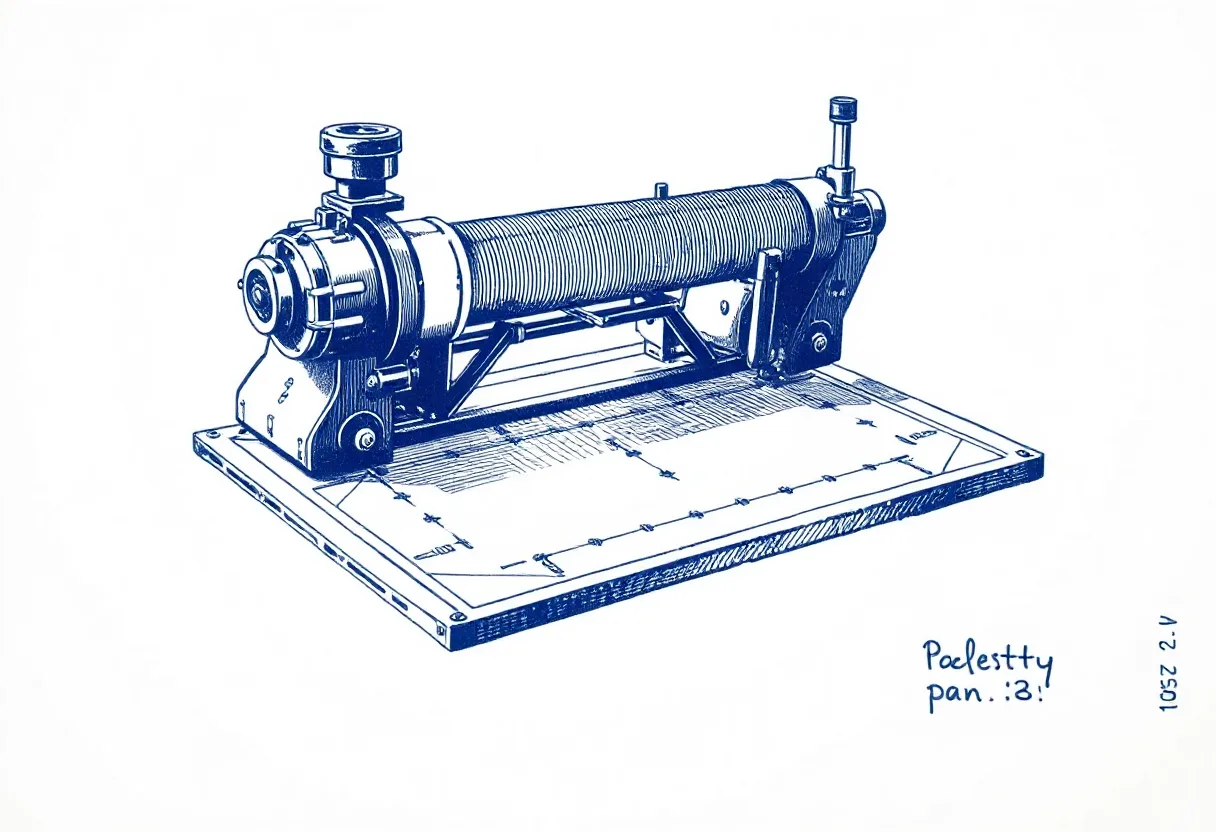
Registration is the alignment of your plot — within a single pass, and between multiple passes (like color layers). When it’s off, you get double lines, color layers that don’t match, or skewed geometry. Pen plotter registration errors look intimidating but almost always trace to a handful of fixable causes. Here’s how to hunt them down.
Cause 1: The paper moved (most common)
If the paper shifts even slightly between passes — or mid-plot — everything after the shift is misaligned. The fix is simple and non-negotiable for any precise or multi-pass work:
- Tape all four edges with low-tack painter’s tape
- For thick or stubborn stock, add binder clips at the corners
- Never lift the paper until the entire plot (all passes) is finished
This single habit eliminates the majority of registration problems.
Cause 2: Inconsistent pen height/depth
In multi-color work, each pen swap is a registration risk. If pens sit at different depths in the clamp, their contact points and line weights differ. Mark each pen’s insertion depth with tape and seat every pen to that mark. Keep pen-down height consistent across pens too.
Cause 3: Mechanical backlash (loose belts)
Backlash is play in the drivetrain — when the machine changes direction, a loose belt takes up slack before the pen actually moves, throwing off position. Symptoms: lines that don’t quite meet, slightly doubled edges. Fix:
- Tension the belts firmly (not over-tight)
- Check for worn or slipping pulleys
- Tighten any loose set screws on the motor shafts
Cause 4: Inconsistent homing
If the machine doesn’t return to exactly the same zero before each pass, every pass starts from a different origin. Make sure your homing routine is reliable and that you run it identically before each color or layer. On GRBL machines, verify your homing command returns to the same position every time.
Cause 5: Frame flex or instability
A frame that flexes, or a machine on a wobbly surface, lets position drift under the forces of motion. Place the plotter on a flat, stable, heavy surface, and make sure the frame’s fasteners are all tight.
Cause 6: Speed/acceleration too high
Push the machine too hard and it can lose steps — the motor is commanded to move but can’t keep up, so the position silently drifts. This shows as skew that worsens over a plot. Reduce maximum speed and acceleration and retest.
A registration troubleshooting order
- Tape the paper on all four edges (fixes most cases)
- Mark and match pen depth for multi-color work
- Tension the belts and tighten set screws
- Verify consistent homing before each pass
- Stabilize the frame and work surface
- Lower speed/acceleration if skew worsens over the plot
Work through these in order and registration errors resolve almost every time. The recurring theme is consistency — same paper position, same pen depth, same home, same machine behavior on every pass. Lock those down and your layers line up like they’re supposed to.
Frequently asked questions
What causes pen plotter registration errors?
The main causes are the paper shifting between passes, mechanical backlash from loose belts, inconsistent homing, and pens sitting at different heights or depths in the clamp. Securing the paper and tightening the machine fix the majority of cases.
How do I keep colors aligned in a multi-pass plot?
Tape the paper on all four edges and never lift it until done, seat each pen to a marked depth, and re-home the machine identically before each pass. Consistency across passes is the whole game.
Why does a single-pass plot still come out skewed?
That points to a mechanical issue — loose belts causing backlash, a frame that flexes, or speed/acceleration set too high so the machine loses steps. Tighten belts, stabilize the frame, and reduce acceleration.
Gear mentioned in this post
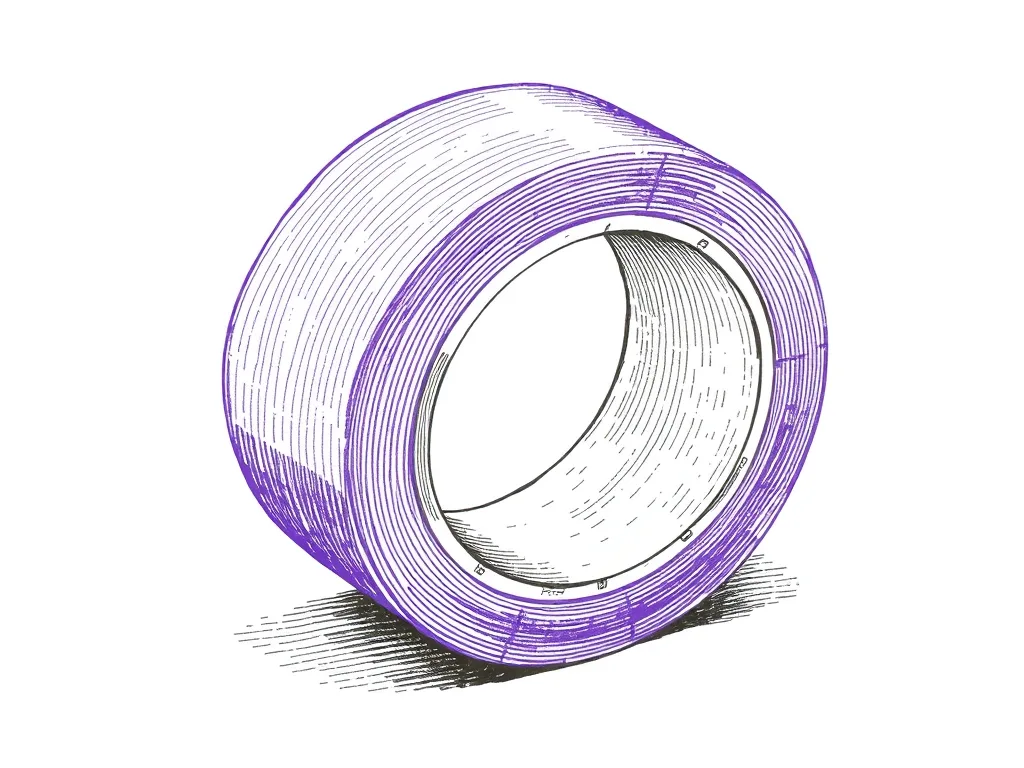
ScotchBlue Original Painter's Tape
4.8 (21,000)Low-tack masking tape that pins paper to the bed without tearing it — the cheapest upgrade to plot registration and clean edges you can buy.
Best for: Keeping paper flat and registered mid-plot
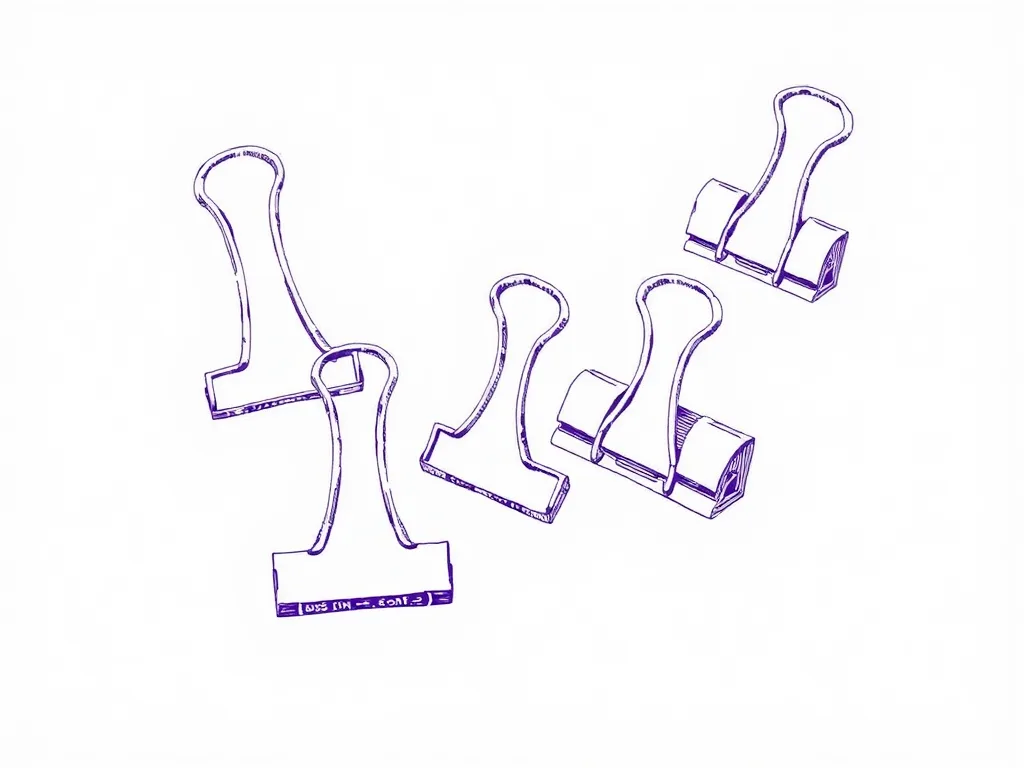
Officemate Binder Clips Assorted Set
4.5 (5,600)Cheap, reusable clamps that pin paper flat along edges and corners where tape can't reach — a simple fix for curl, cockle, and creeping sheets.
Best for: Clamping curled or heavy paper flat at the edges