How Long Does a Pen Plot Take? (And How to Make It Faster)
From a quick sketch to a dense generative piece — how long pen plots actually take, what determines the time, and the settings that make plotting faster.
“How long will this take?” is the question every new plotter artist asks while watching the head crawl across the page. The honest answer: it depends — but it’s predictable once you understand what drives pen plotter speed.
Typical plot times
Rough real-world ranges:
- Simple line drawing — 2–10 minutes
- Detailed single-color illustration — 15–40 minutes
- Dense generative art (heavy hatching, thousands of strokes) — 1–4+ hours
- Multi-color plot — add pen-change time and per-color passes
Paper size matters less than people expect. A sparse A3 plot can finish faster than a dense A5 one.
What actually determines plot time
1. Total line length
Every millimeter the pen draws takes time. Dense fills and crosshatching are slow because they contain enormous total line length.
2. Pen lifts and travel moves
Between strokes, the pen lifts and travels to the next start point. On an unoptimized file, these wasted moves can be half the total time. This is the biggest avoidable cost.
3. Speed and acceleration settings
Your maximum speed (mm/s) and acceleration directly scale plot time — but you can’t just crank them up (see below).
4. Pen type
Fineliners tolerate high speed. Gel and wet inks need slower travel to avoid skipping, which lengthens plots.
How to make plots faster
Optimize stroke order
The single biggest win. Run your SVG through vpype:
vpype read art.svg linemerge reorder write fast.svgreorder minimizes travel between strokes; linemerge eliminates redundant pen lifts. This routinely cuts 30–50% off plot time with zero quality loss.
Raise speed — carefully
For fineliners, increase maximum speed and acceleration until you see the first sign of skipping, then back off slightly. A precise machine like the AxiDraw holds accuracy at higher speeds than budget plotters. Keep gel pens slower.
Reduce unnecessary detail
Do you need 2,000 hatch lines, or will 1,200 read the same at viewing distance? Trimming density you can’t perceive is free time.
Plan multi-color efficiently
Group all strokes of one color, plot them, then change pens — rather than changing pens repeatedly. Fewer changes, less time.
Plan around it
Long plots are part of the craft. Many artists start a dense plot and let it run overnight (quiet machines like the AxiDraw make this practical). The key is to know the time up front: most plotter software shows an estimate, and after optimizing with vpype that estimate is one you can trust.
Frequently asked questions
How long does a typical pen plot take?
Anywhere from 2 minutes for a simple line drawing to several hours for dense generative art. Most hobby plots land in the 10–40 minute range. Plot time depends on total line length, pen lifts, and your speed settings far more than on paper size.
What's the biggest factor in plot time?
Total pen travel — both drawing moves and the lifts between strokes. Optimizing stroke order with vpype to cut wasted travel is usually the single biggest time saver.
Can I speed up plotting without hurting quality?
Yes. Reordering and merging lines, raising speed for fineliners (gel pens need to stay slower), and reducing unnecessary detail all cut time without visible quality loss.
Gear mentioned in this post
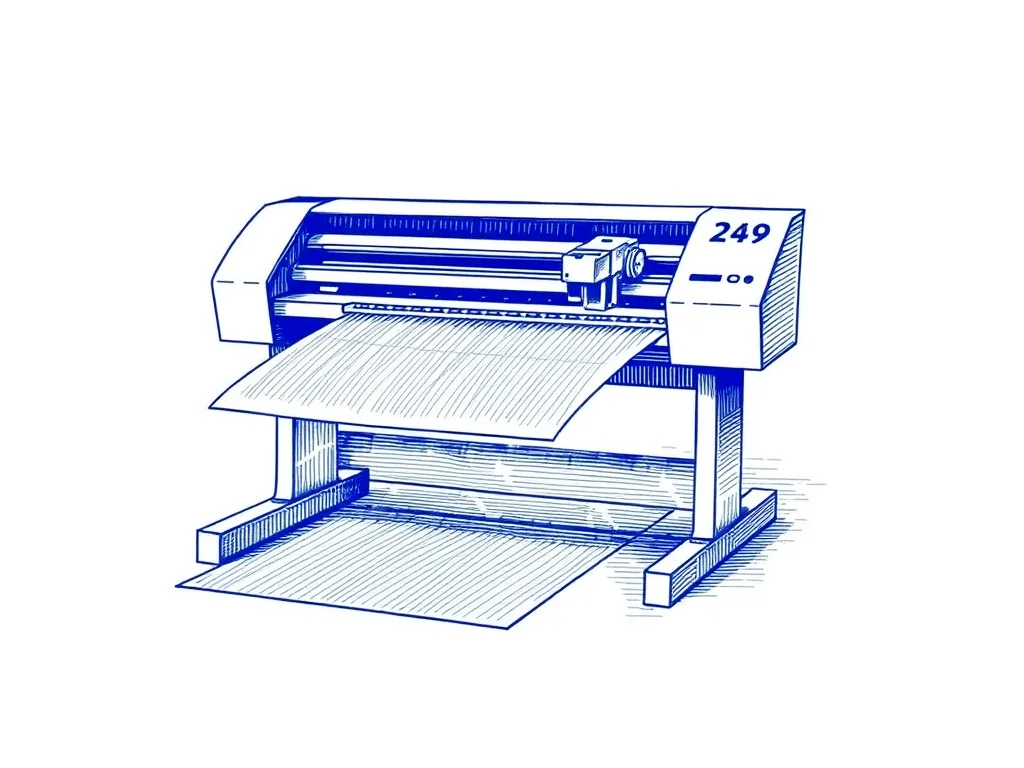
Evil Mad Scientist AxiDraw V3/A3
4.9 (312)The pen plotter that serious plotter artists upgrade to — precise, quiet, and compatible with nearly every pen and surface you'd want to draw on.
Best for: Artists ready to invest in the best
Antoine Beyeler vpype (Free)
4.9 (480)The command-line Swiss-army knife for pen plotter SVGs — optimizes, reorders, merges, crops and prepares vector files for cleaner, faster plots.
Best for: Everyone — mandatory step between generative art and plotting