How to Make Flow Field Art for Your Pen Plotter
Flow fields are the gateway to gorgeous generative plotter art. Learn what they are, how they work, and how to make and plot your first flow field — step by step.
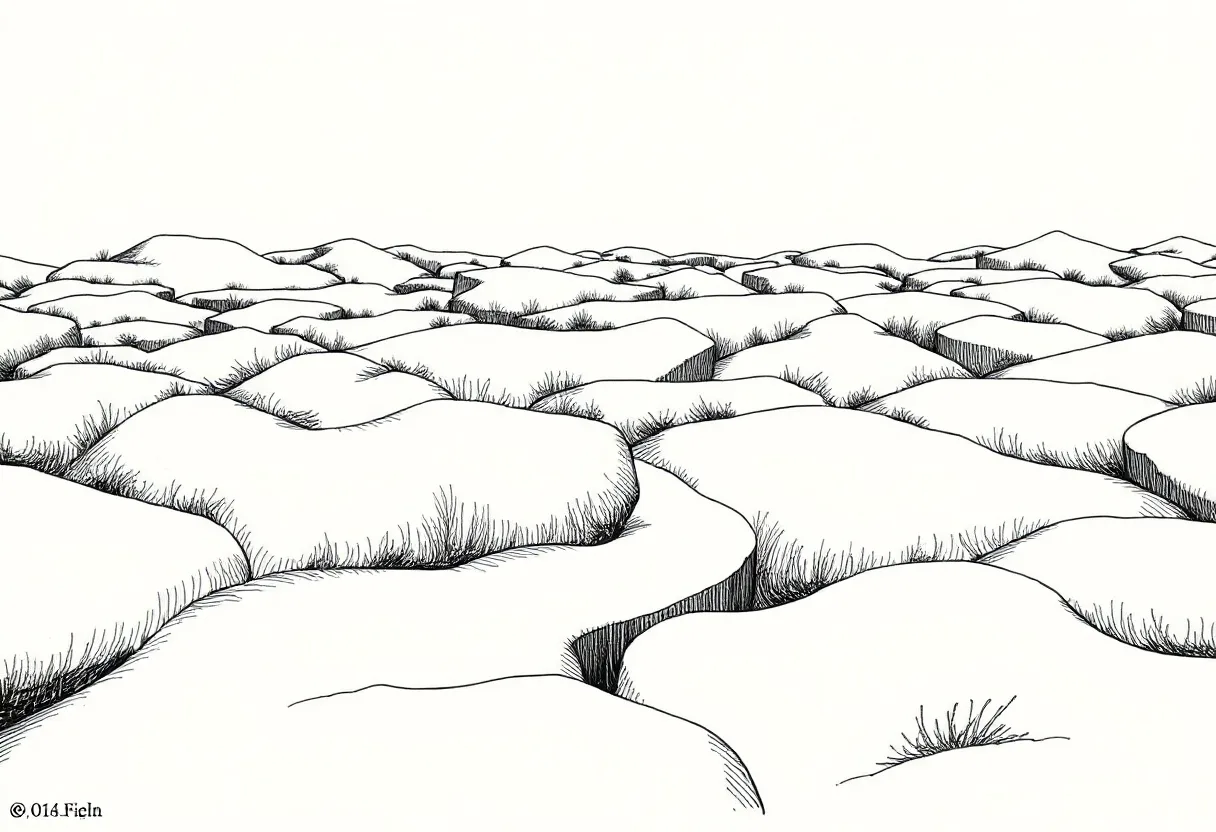
If you’ve admired those mesmerizing, river-like generative plots — thousands of curves flowing across the page like wind over a field — you’ve seen flow field art. It’s one of the most rewarding things to plot, and one of the most approachable generative techniques to learn. Here’s how it works and how to make your own.
What is a flow field?
Imagine an invisible grid laid over your canvas. At every point, there’s an arrow pointing some direction. That’s a flow field — a map of directions across space. Now drop a particle anywhere and let it move, always following the arrow beneath it. Trace its path and you get a smooth, wandering curve. Release thousands of particles and you get the flowing, organic compositions plotters are famous for.
The secret ingredient: noise
If the arrows pointed randomly, you’d get chaos. The magic comes from Perlin (or simplex) noise — a smooth, continuous randomness. Neighboring points get similar directions, so curves flow gracefully instead of jittering. Noise is what makes flow fields look natural rather than mechanical.
How to make one (the workflow)
1. Start in p5.js
p5.js is the easiest place to begin. Search for a basic flow field sketch — there are hundreds — and open it in the online editor. You’ll see the core loop: build a grid of noise-driven angles, then move particles through it and draw their trails.
2. Tune the parameters
This is where it becomes your art. Experiment with:
- Noise scale — small values give long, lazy curves; large values give tight, busy ones
- Number of particles — density of the final image
- Step length — how far each particle moves per frame (smoothness vs. detail)
- Line length — short dashes vs. long flowing strokes
Change one at a time and watch what happens. This exploration is the creative work.
3. Export as SVG
Add the p5.svg renderer so your sketch outputs vector paths, not pixels. A plotter needs lines, and flow fields are made of them — a perfect match.
4. Optimize with vpype
Flow field SVGs contain many separate curves. Run the file through vpype to merge and reorder them:
vpype read flowfield.svg linemerge reorder write plot.svgThis cuts pen lifts and plot time dramatically.
5. Plot it
Flow fields plot beautifully because their long, continuous curves are exactly what pens draw best. Use a reliable fineliner and smooth paper, and let it run.
Where to go deeper
The Nature of Code covers the vectors, forces, and noise that underpin flow fields and far more — it’s the book that turns “I remixed someone’s sketch” into “I built this from scratch.” Once flow fields click, the same ideas open up particle systems, physics simulations, and a whole world of generative plotter art.
Frequently asked questions
What is a flow field in generative art?
A flow field is an invisible grid of directions — each point in space points a particular way, usually driven by noise. When you release particles into it and trace their paths, they flow along those directions, producing organic, river-like curves that look stunning when plotted.
Do I need to code to make flow field art?
Some, but very little to start. p5.js examples of flow fields are everywhere; you can remix one and change a few parameters to make it yours before learning to build one from scratch.
Why do flow fields look so good plotted?
Their smooth, continuous curves are exactly what pens draw best — long flowing strokes with few lifts. The result has an organic, hand-drawn quality that screens can't fully convey.
Gear mentioned in this post
Daniel Shiffman The Nature of Code
4.8 (900)The book that teaches the generative-systems thinking behind great plotter art — flow fields, forces, noise and autonomous agents, all in approachable code.
Best for: Learning to generate art worth plotting

Antoine Beyeler vpype (Free)
4.9 (480)The command-line Swiss-army knife for pen plotter SVGs — optimizes, reorders, merges, crops and prepares vector files for cleaner, faster plots.
Best for: Everyone — mandatory step between generative art and plotting