Pen Plotter Maintenance Checklist: Keep Yours Plotting Smoothly
A simple pen plotter maintenance routine prevents most failures. Here's a checklist for cleaning, belt tension, lubrication and pen care to keep plots crisp.
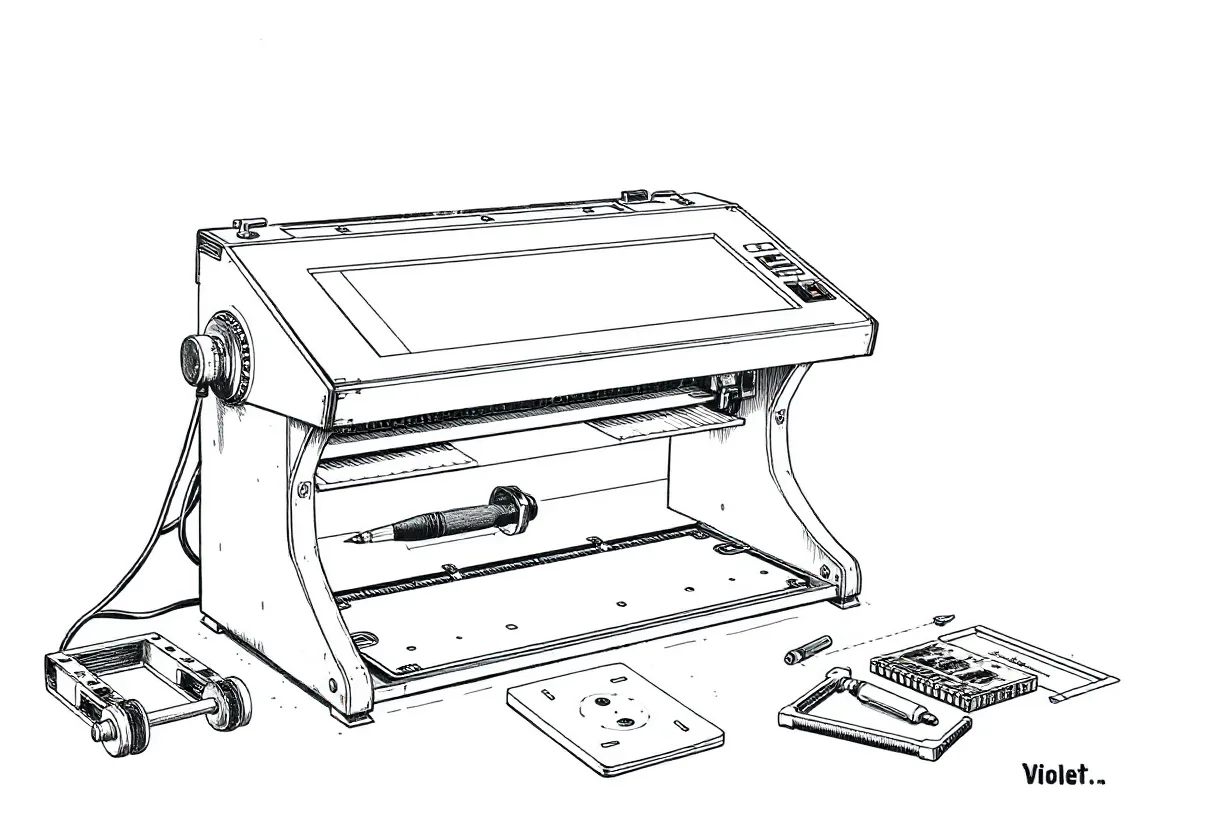
Pen plotters are mechanically simple, which means a little pen plotter maintenance goes a long way. Most “the machine is broken” problems are actually dust, loose belts, or dried pens. Here’s a checklist to keep yours producing crisp plots for years.
After every session
Quick habits that prevent the most common issues:
- Cap your pens immediately. Uncapped tips dry and skip. This is the number-one cause of “my pen stopped working.”
- Wipe the pen mount if ink has built up on the clamp.
- Clear obvious dust from the rails and bed with a soft brush or cloth.
- Power down cleanly rather than yanking the cable mid-move.
Monthly check
Once a month (or every 20–30 plots), go a little deeper:
- Belt tension — belts should be firm, not slack and not over-tight. A loose belt causes backlash and wavy lines; check and adjust.
- Screws and brackets — vibration loosens fasteners over time. Snug up frame screws, the pen holder, and any add-ons.
- Rails and rods — wipe smooth rods clean of dust and old residue so the carriage glides freely.
- Pen clamp — confirm it still grips firmly with no play.
Every few months
- Lubrication — apply a small amount of the lubricant your manual recommends to lead screws and smooth rods. Less is more; excess attracts dust. Belts usually need nothing.
- Deep clean — remove accumulated paper dust and ink residue from corners, the bed, and around the motors.
- Cable check — inspect the USB and power cables and connectors for wear or looseness.
Pen and consumable care
The pens fail far more often than the machine:
- Store pens correctly — horizontal or tip-down per the manufacturer, capped.
- Retire worn tips — a splayed or dried tip skips no matter how well the machine is tuned. Replace it.
- Keep a warm-up scrap at the edge of your bed to prime pens before each plot.
Protect the work surface
A self-healing cutting mat under your paper protects the bed, gives consistent pen pressure, and provides a measured grid for alignment. It’s a maintenance aid as much as an accessory — a worn, gouged work surface causes uneven pen contact.
Keep a simple log
Note the date of belt checks, lubrication, and pen replacements. It takes seconds and turns vague “is it time?” guessing into a routine. A plotter that’s wiped after each use, checked monthly, and lubricated occasionally will outlast many of the pens you run through it — and it’ll keep laying down clean, accurate lines the whole time.
Frequently asked questions
How often should I maintain my pen plotter?
A quick wipe-down and pen-cap check after every session, a belt and screw check monthly, and a deeper clean and lubrication every few months for most hobby use. High-volume plotting needs more frequent attention.
Do pen plotters need lubrication?
Lightly. Lead screws and smooth rods benefit from a small amount of appropriate lubricant occasionally; belts and belt-driven parts generally don't. Always follow your machine's manual — over-lubricating attracts dust.
What's the most overlooked maintenance task?
Pen care. Capping pens immediately and storing them correctly prevents the dried tips and skipping that people blame on the machine. It costs nothing and prevents the most common 'failures.'
Gear mentioned in this post
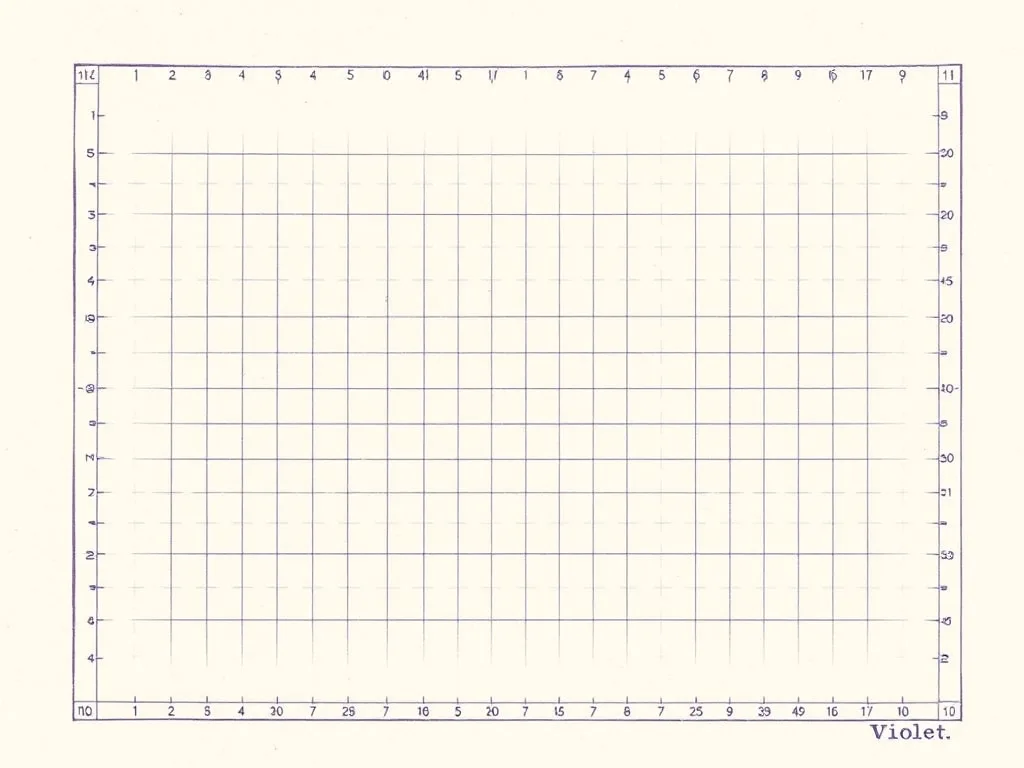
OLFA Self-Healing Cutting Mat
4.7 (8,700)A flat, gridded, forgiving work surface that gives your plotter a dead-level bed, helps you square paper, and protects the table underneath.
Best for: A flat, square reference bed for your plotter