Why Is My Pen Plotter Skipping? 7 Fixes That Work
Pen plotter skipping or leaving broken lines? Here are the 7 most common causes — pen height, pen choice, speed, paper and more — and how to fix each one fast.
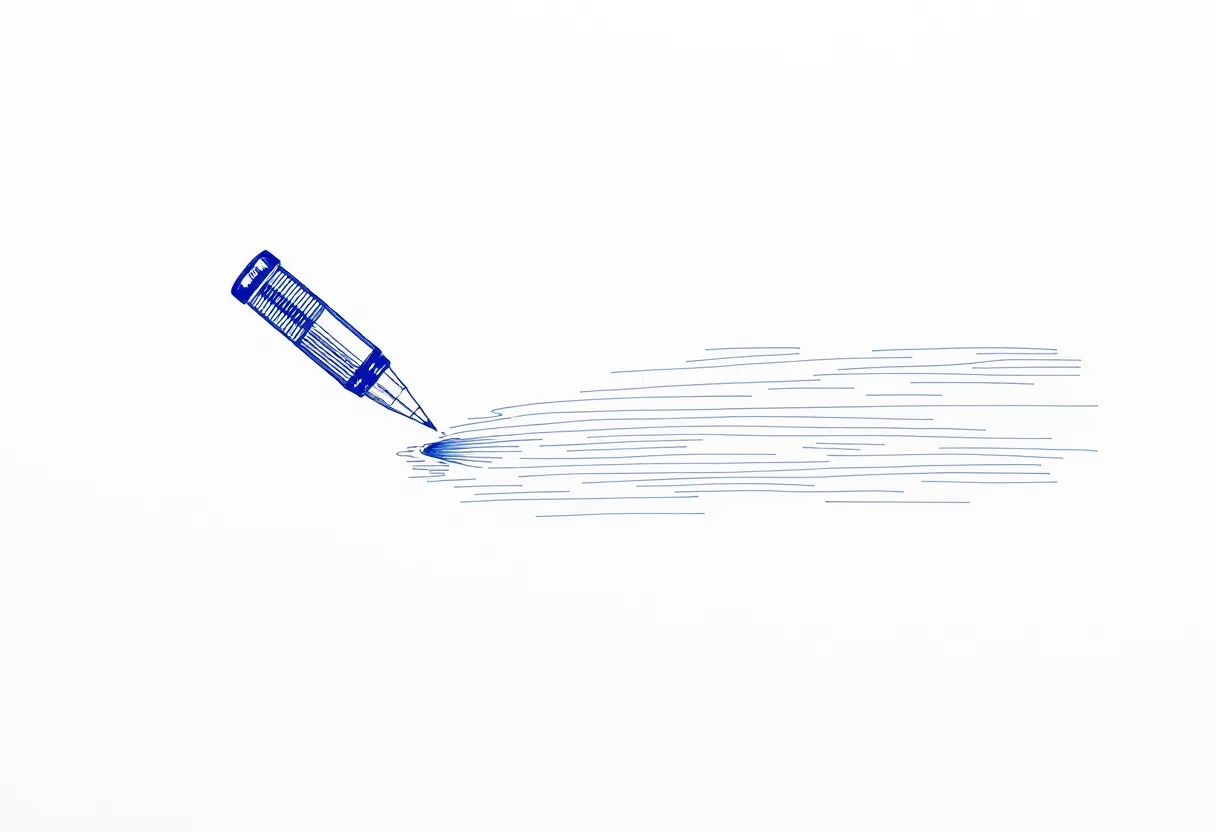
Few things are more frustrating than watching your plotter lay down a beautiful design with gaps, broken lines, and faint patches. The good news: pen plotter skipping is almost always one of seven causes, and each has a quick fix. Work through them in order.
1. Pen height is too high
The most common culprit. If the pen-down position leaves the tip barely touching — or not quite touching — the paper, you get intermittent contact and skipping. Lower the pen-down height by a fraction of a millimeter at a time until lines are solid.
2. The pen needs priming
Pens dry slightly at the tip between uses. After a pen change or a pause, the first strokes skip until ink flows. Cap-off and scribble the pen on scrap paper for a few seconds before plotting, and keep a warm-up stroke at the edge of your design.
3. You’re using the wrong pen
Many pens are designed for slow, varied hand pressure — not the fast, uniform motion of a plotter. Pigma Micron fineliners and Staedtler pigment liners are engineered for steady flow and skip far less under machine use. If one pen skips constantly, try a plotter-friendly one before blaming the machine.
4. Speed is too high
Ink needs time to flow. If your plotter is moving faster than the pen can deposit ink — common with gel and wet inks — you get gaps, especially on long strokes. Drop your maximum speed and acceleration by 20–40% and retest.
5. The paper is too toothy
Heavily textured paper grabs and interrupts the ink film. If a pen skips on rough stock but draws fine on smooth paper, the surface is the problem. Use a smoother paper, or a pen with a more robust tip.
6. The pen tip is worn
Plotters are hard on tips — they drag a pen across the same point hundreds of times. A worn felt or fiber tip splays and skips. If a previously reliable pen starts skipping, it’s probably spent. Swap it.
7. Loose pen or clamp
If the pen can shift in the clamp or the clamp itself has play, contact pressure varies and lines break up. Make sure the pen is seated firmly and pointing straight down, and check that the pen-lift mechanism moves freely.
A quick diagnostic order
- Lower pen height slightly
- Prime the pen
- Slow the plot down
- Try a known plotter-friendly pen
- Switch to smoother paper
- Replace a worn tip
- Re-seat the pen and check the clamp
Run through these and the vast majority of skipping disappears. Skipping is a setup problem far more often than a machine fault — once your pen, height, speed, and paper agree, your plots come out clean every time.
Frequently asked questions
Why does my plotter skip at the start of every line?
Almost always the pen needs priming or the pen-down height is slightly too high. Cap-off the pen and scribble briefly to restore flow, then lower the pen-down position by a fraction of a millimeter.
Can the pen itself cause skipping?
Yes. Pens designed for slow human hand movement can't always keep up with a plotter's fast, repetitive strokes. Pigment fineliners and gel pens formulated for consistent flow skip far less.
Does plotting speed affect skipping?
Strongly. Too-fast travel — especially with gel or wet inks — outruns the ink flow and causes gaps. Reducing maximum speed and acceleration usually fixes it.
Gear mentioned in this post
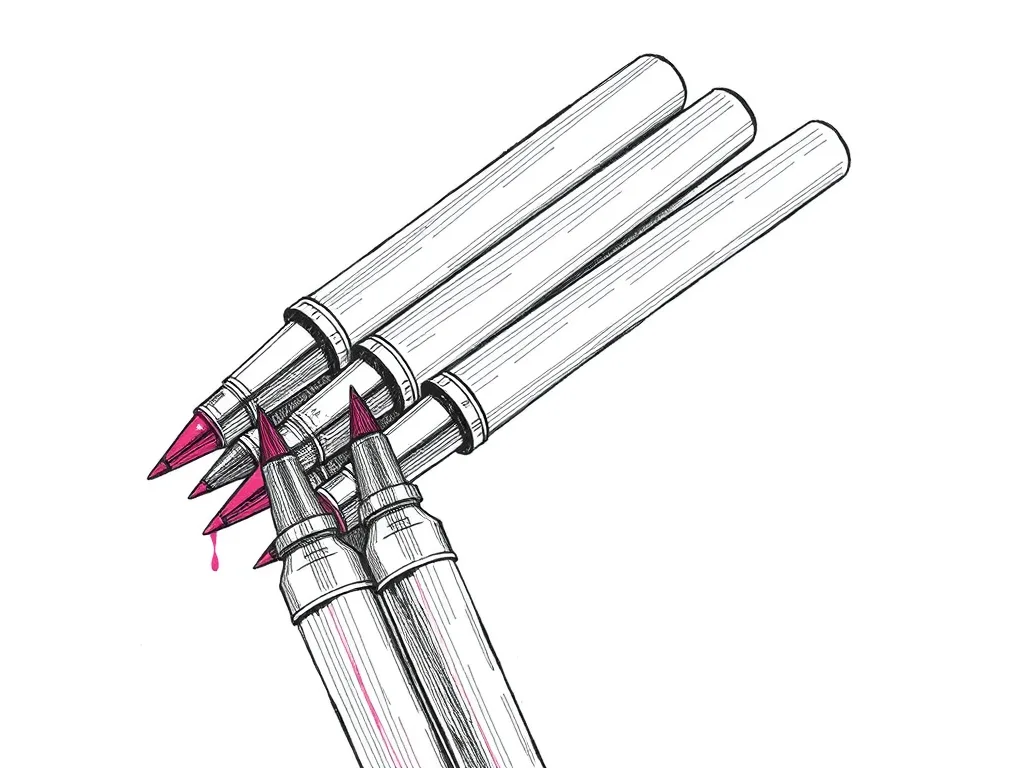
Sakura Pigma Micron Fineliner Set
4.8 (5,400)Archival pigment fineliners that are the de facto default for pen plotting — consistent line width, fade-proof ink and almost no skipping.
Best for: Clean, consistent line art on most papers
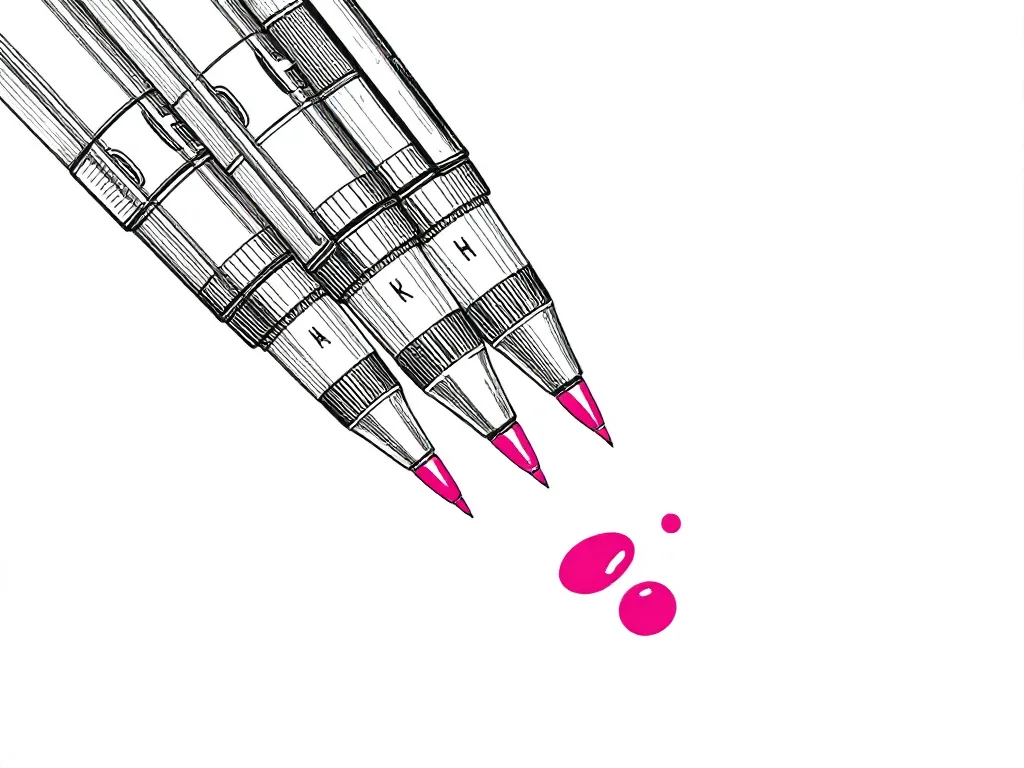
Staedtler Pigment Liner 308 Set
4.6 (3,800)The technical-pen answer to Microns — metal-clad tips that survive heavy plotting, pigment ink that stays put, and a line width that barely drifts.
Best for: Long, tip-punishing plots on smooth paper