Which Pen Plotter Should I Buy? A 5-Question Decision Guide for 2026
Five questions decide which pen plotter fits you: what you'll make, paper size, assembled or kit, software family and pens. Here's where each answer leads.
For most people, the answer is an A3 pen plotter that draws out of the box, such as the iDraw 2.0 A3. If you want the AxiDraw-style software on a desk-sized machine, get the NextDraw 8511. If building the machine is half the fun, get a kit.
Which one is right for you comes down to five questions: what you’ll make, what paper size you need, whether you want to build, which software family you’ll live in, and whether the machine holds your pens. Each question below narrows the field, and each type of buyer lands on one machine. This is a decision path, not a ranking. Where you want more depth, we link to the full comparisons.
We earn a commission on qualifying purchases made through links on this page, at no extra cost to you. Learn more.
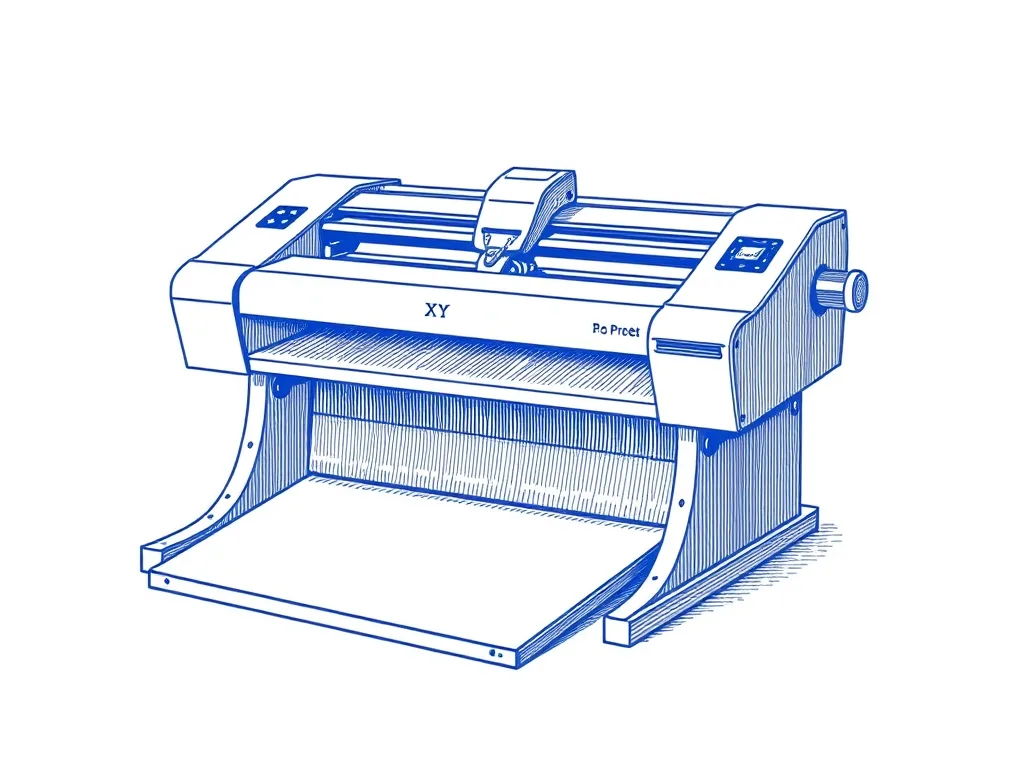
UUNA TEK iDraw 2.0 A3 Pen Plotter
For anyone who wants A3 work without a premium spend. It has a 297 × 420 mm drawing area, a servo pen lift that fits most pens, and standard GRBL firmware. You drive it from Inkscape plus a plugin, or from LaserGRBL.
Best for: Makers who want A3 plots out of the box
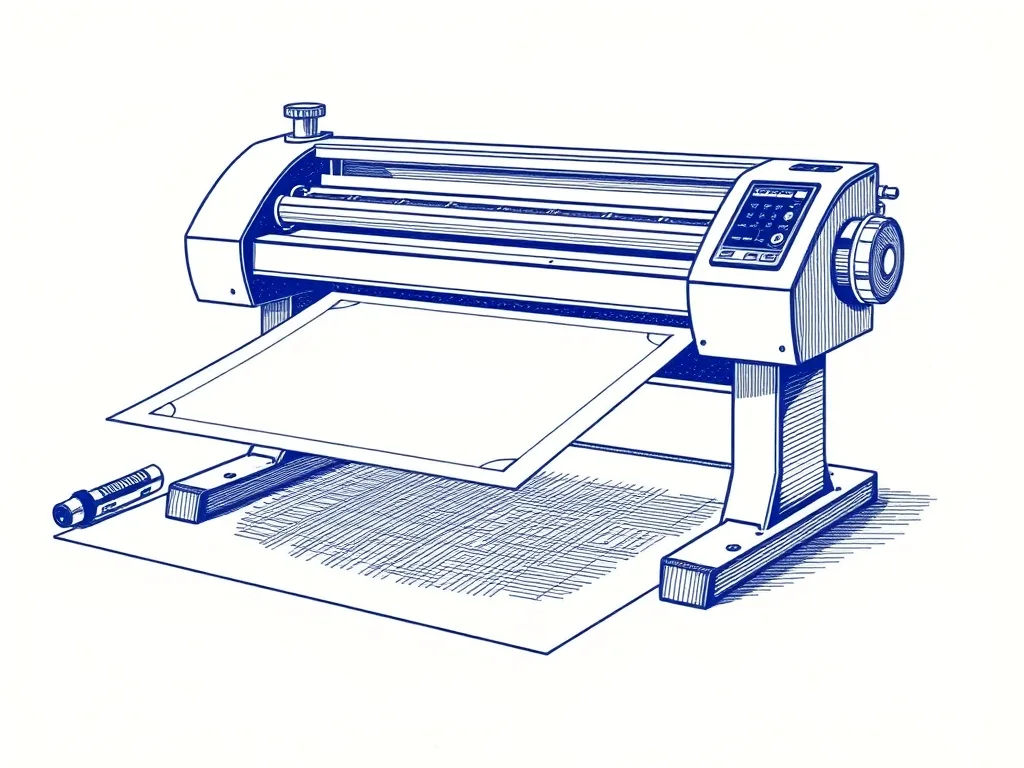
Bantam Tools NextDraw 8511
For buyers who want the AxiDraw software on a desk-friendly machine. It's the current-production model in the AxiDraw lineage, with CoreXY belt drive, a universal clamp, and the Inkscape plugin, CLI and Python API.
Best for: Buyers who want the AxiDraw lineage, current-production
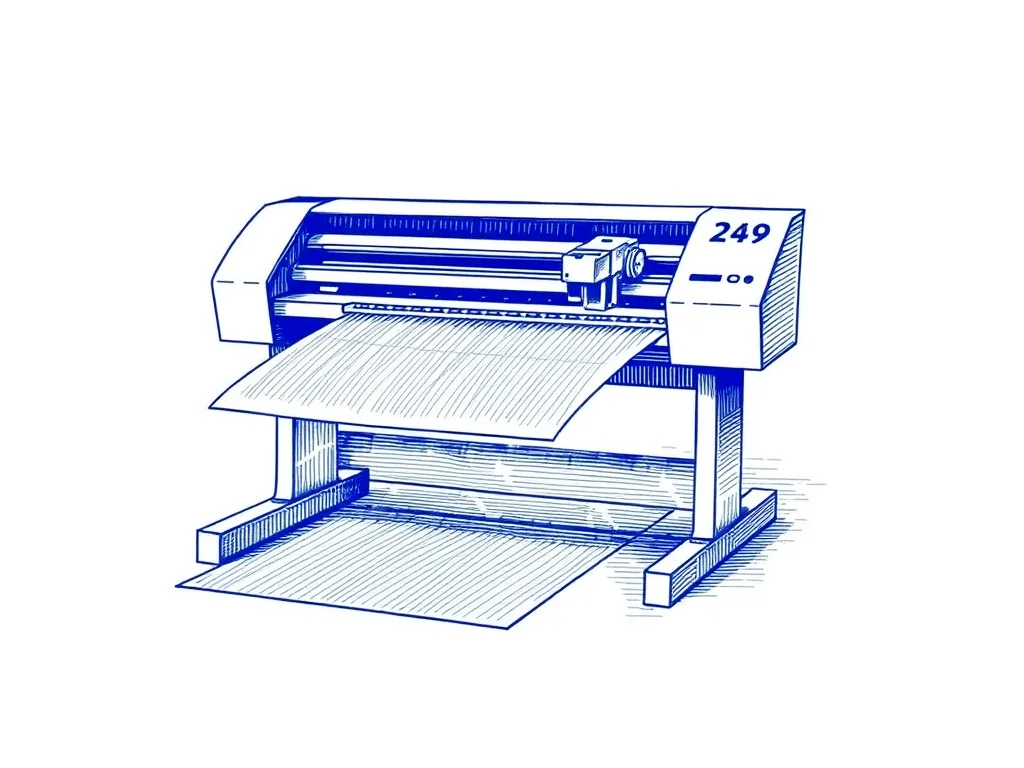
Evil Mad Scientist AxiDraw V3/A3
For artists ready to invest who want both A3 and the AxiDraw ecosystem (Inkscape plugin, AxiDraw CLI, Python API). The universal clamp fits almost any pen.
Best for: Artists ready to invest in the best
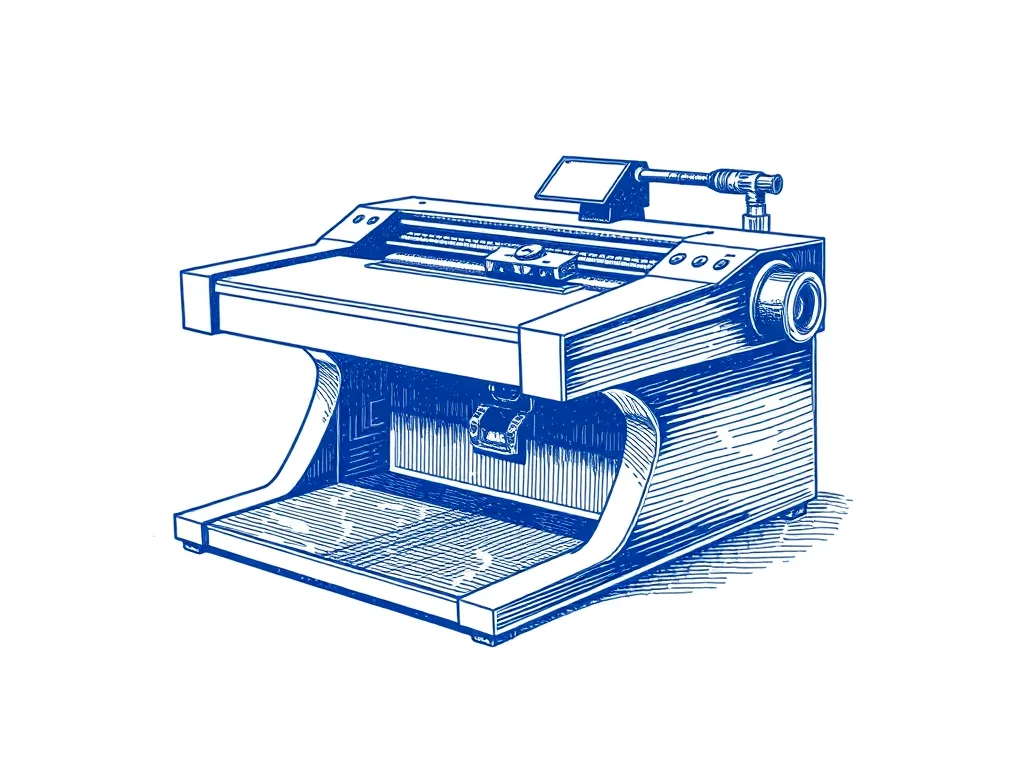
EleksMaker EleksDraw XY Pen Plotter
For beginners on a tight budget who are happy to do a full kit build. It's a roughly A4-class GRBL machine on a lightweight frame.
Best for: Budget-minded beginners willing to build a kit
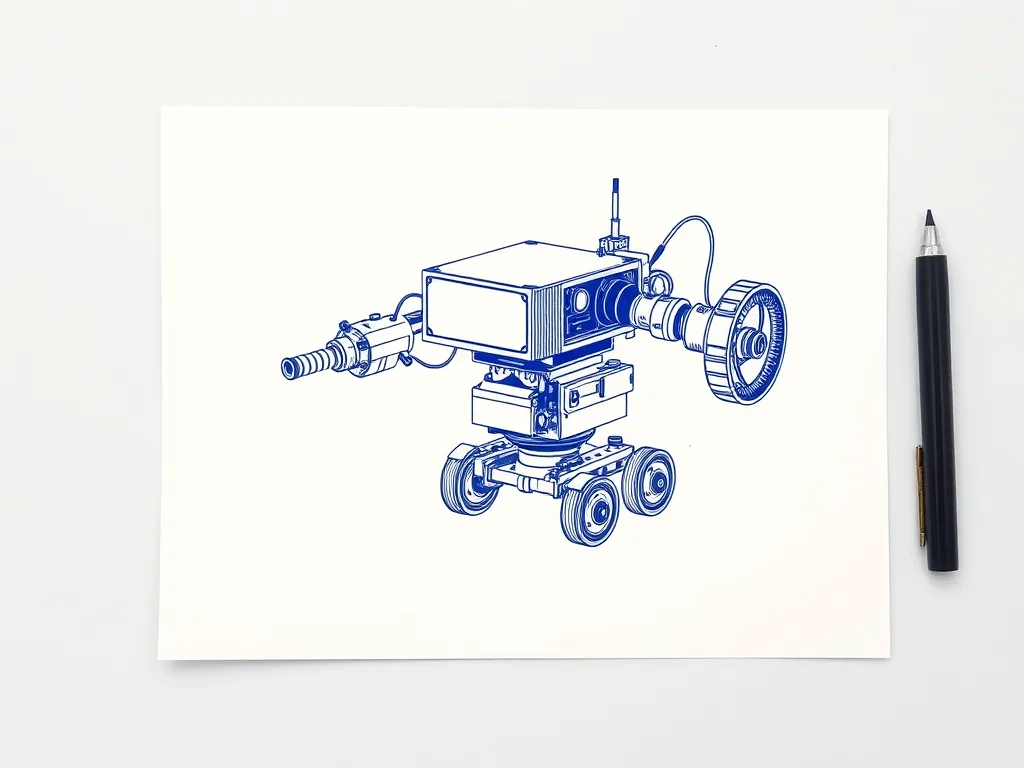
Two Trees GRBL Drawing & Writing Robot Kit
For people who want to learn by building and tuning. It's an extensive DIY build on a lightweight belt-driven frame, and its output is rougher than rigid XY machines.
Best for: Tinkerers who want to learn by building and tuning
First: which kind of plotter do you mean?
“Plotter” can mean three different machines, and the buying advice for each has almost nothing in common. Check you’re on the right page first.
- Pen plotter (drawing machine): moves a real pen across paper, line by line. People use them for generative art, illustrations and handwritten cards. This guide covers these. New to them? Start with what a pen plotter is and how it works.
- Large-format inkjet plotter: a wide printer for CAD drawings and sewing patterns on roll paper. You buy one on different terms: ink-tank costs, and printheads that may dry out if the machine sits unused.
- Vinyl or craft cutter: in sign shops, “plotter” usually means a vinyl cutting plotter from brands such as Graphtec, Summa or Roland. Some can draw if you swap the blade for a pen. They’re built to cut, though, and we don’t cover them here.
Want handwritten letters in volume, as in hundreds of envelopes rather than a few cards? Read the handwriting note under Question 1 before you pick a machine.
The five pen plotters in this guide at a glance
| Machine | Drawing area | Mechanism | Pen mount | Firmware / software | Assembly |
|---|---|---|---|---|---|
| iDraw 2.0 A3 (UUNA TEK) | A3 (297 × 420 mm) | Belt-driven XY gantry | Servo lift, fits most pens | GRBL over USB; Inkscape + plugin, LaserGRBL | Ready to draw out of the box (per manufacturer) |
| NextDraw 8511 (Bantam Tools) | US letter / A4 (8.5 × 11 in) | CoreXY belt drive | Universal clamp | USB; Inkscape plugin, CLI, Python API | — |
| AxiDraw V3/A3 (Evil Mad Scientist) | A3 | CoreXY belt drive | Universal clamp, fits almost any pen | USB, no drivers; Inkscape plugin, AxiDraw CLI, Python API | Arrives fully assembled (per Creative Bloq) |
| EleksDraw XY Pen Plotter (EleksMaker) | Roughly A4-class | Belt-driven XY, lightweight frame | Servo lift, clamp fits common pens | GRBL over USB | Full kit build |
| GRBL Drawing & Writing Robot Kit (Two Trees) | — | Belt-driven, lightweight DIY frame | Servo lift for pens and markers | GRBL over USB | Extensive full DIY build |
The 30-second answer
Each line matches one type of buyer to one machine.
- You want A3 and want to plot on day one, without a premium spend: iDraw 2.0 A3.
- You want the AxiDraw-style software and a universal clamp on a desk-sized machine: NextDraw 8511 (letter/A4).
- Same software family, but A3 on a premium budget: AxiDraw V3/A3.
- Entry-level budget, and you don’t mind building: EleksDraw XY Pen Plotter.
- Building and tuning the machine is the hobby: Two Trees GRBL Drawing & Writing Robot Kit.
The comparison table puts drawing area, mechanism, software and assembly side by side. Prefer a ranked list? Our full roundup of pen plotters and drawing machines has one. The five questions below explain why each answer lands where it does.
Question 1: What will you make?
What you plan to plot matters less for the machine than you’d expect. It matters more for the software.
Generative or code art
Any machine on this page works. Sketches from Processing, p5.js and similar tools end up as SVG files. The real question is how you get those files to the plotter cleanly. Our generative art starter guide covers the code side. The vpype tutorial for beginners covers optimizing the output.
Photos turned into line art
Also works on any machine. DrawingBotV3 takes a JPG or PNG and turns it into a plottable SVG in styles like sketch, stipple, hatch and spiral. It’s free, open source and runs on Windows, macOS and Linux. It also exports plotter formats, not just SVG.
Use DrawingBotV3 when: your starting point is a photo or an illustration, not code.
Handwriting, letters and cards
Any pen plotter can “handwrite”, but only with single-line fonts. Ordinary fonts are outlines, so the pen traces both edges of every letter instead of writing one stroke. For a handful of cards, a normal plotter is fine.
Bulk letters are a separate category. UUNA TEK, for example, splits its pen plotters (for artistic work) from automatic writing machines with auto-feed, such as the iAuto, built for handwritten letters at scale. This page doesn’t cover those machines.
Wood and unusual surfaces
Here the pen clamp and the clearance under the pen matter most. Read plotting on wood and other unusual surfaces before you commit.
DrawingBotV3 DrawingBotV3 (Free)
Free, open-source software that turns photos into plottable line art — sketch, stipple and hatch styles that export clean SVGs for your plotter.
Best for: Converting photos into plottable sketches and stipple art
Question 2: Letter/A4 or A3?
A3 gives you room for larger framed pieces and generous margins. Letter/A4 takes less desk space and suits cards, small prints and early experiments.
How the machines split:
- iDraw 2.0 A3: A3 (297 × 420 mm)
- AxiDraw V3/A3: A3
- NextDraw 8511: US letter / A4 (8.5 × 11 in)
- EleksDraw: roughly A4-class, smaller than the A3 machines
One catch: UUNA TEK makes the iDraw 2.0 in both A3 and A4 versions. Confirm which size you’re looking at.
Go A3 when: you already picture large pieces on the wall.
Go letter/A4 when: you’re not sure the hobby will stick, or desk space is tight.
The full trade-off is in A4 vs A3 pen plotter: which size should you get?
Question 3: Ready to plot, or a kit you build?
The machines here fall into two camps.
- Ready to draw: UUNA TEK describes the iDraw 2.0 as ready to draw out of the box. Creative Bloq lists the AxiDraw V3 as arriving fully assembled.
- Full kit builds: the EleksDraw and the Two Trees kit. The Two Trees is the more extensive build, and its output is rougher than rigid XY machines.
A kit teaches you the machine belt by belt, which makes later troubleshooting far less mysterious. The cost is time: expect a stretch of tuning before your lines come out clean.
Choose ready-built when: you want your first weekend spent making art, not adjusting belts.
Choose a kit when: the budget is tight, or the machine itself is what interests you. Read what to know before building a DIY pen plotter first, and bookmark the troubleshooting guide for skipping, registration and messy lines. You’ll use it.
Question 4: Which software family?
This shapes your day-to-day plotting more than the hardware does, and most buying guides skip it. There are two families.
The AxiDraw / NextDraw family
The AxiDraw V3/A3 and NextDraw 8511 run from an Inkscape extension, a command-line tool and a Python API. The AxiDraw connects over USB with no drivers needed. One ecosystem takes you from clicking “plot” in Inkscape to scripting plots from your own code. Setup is in our Inkscape + AxiDraw plugin guide.
The GRBL family
The iDraw 2.0, EleksDraw and Two Trees kit run GRBL firmware and take G-code over USB. GRBL is standard firmware, so you get a wide choice of free tools and plenty of community help. For the iDraw 2.0, the usual routes are Inkscape plus a plugin, or LaserGRBL. New to G-code? Read understanding GRBL for drawing machines and SVG vs G-code vs HPGL.
Free tools that work with either
- Inkscape: free and open source (GPL) on macOS, Windows and Linux. It works natively in SVG, imports AI, PDF and EPS, and hosts the official AxiDraw/NextDraw extension.
- vpype: free and open source (MIT). It reads SVG and writes SVG, HPGL or G-code, so it fits both families. It has an active ecosystem of 30+ community plugins. Use it to sort and merge paths before every plot.
Pick the AxiDraw family when: you want one integrated toolchain, especially if you’ll script plots in Python.
Pick GRBL when: you want A3 without a premium spend, or you like choosing your own tools.
The rest of the toolbox is in our best software for pen plotters roundup.
Inkscape Project Inkscape (Free)
The free, open-source vector editor that doubles as the native design and machine-control interface for AxiDraw and NextDraw plotters.
Best for: Design and machine control in one free application
Antoine Beyeler vpype (Free)
The command-line Swiss-army knife for pen plotter SVGs — optimizes, reorders, merges, crops and prepares vector files for cleaner, faster plots.
Best for: Everyone — mandatory step between generative art and plotting
Question 5: Will it hold your pens?
The two families hold pens differently.
- AxiDraw and NextDraw: a universal clamp. The AxiDraw’s is described as fitting almost any pen.
- GRBL machines: a servo pen lift with a clamp that fits most common pens.
For everyday fineliners and gel pens, all five machines are safe. Planning on something unusual, like a chunky marker or a fountain pen? Check the clamp fit before you buy.
The easy first pen
The Sakura Pigma Micron set suits anyone who wants one pen pack that just works. The rigid felt tip is plotter-friendly, and the pigment ink is archival and waterproof. Sizes run from 005 (0.20 mm) to 08 (0.50 mm), so you get fine and bold lines from one set.
An optional upgrade
A spring-loaded pen holder adapter keeps pen-down pressure constant, which helps line weight stay even. It fits most fineliners, gel pens and markers. Check that your plotter’s holder accepts it first.
More detail: best pens for pen plotters, fineliner vs gel pen, and height and pressure settings explained.
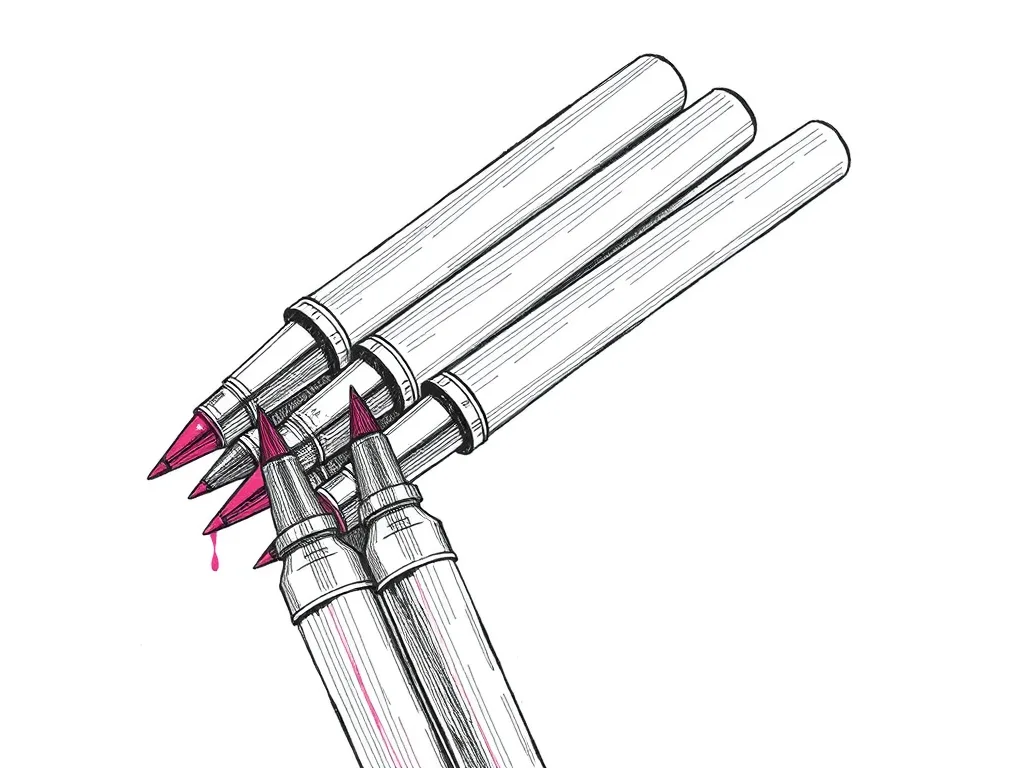
Sakura Pigma Micron Fineliner Set
Archival pigment fineliners that are the de facto default for pen plotting — consistent line width, fade-proof ink and almost no skipping.
Best for: Clean, consistent line art on most papers
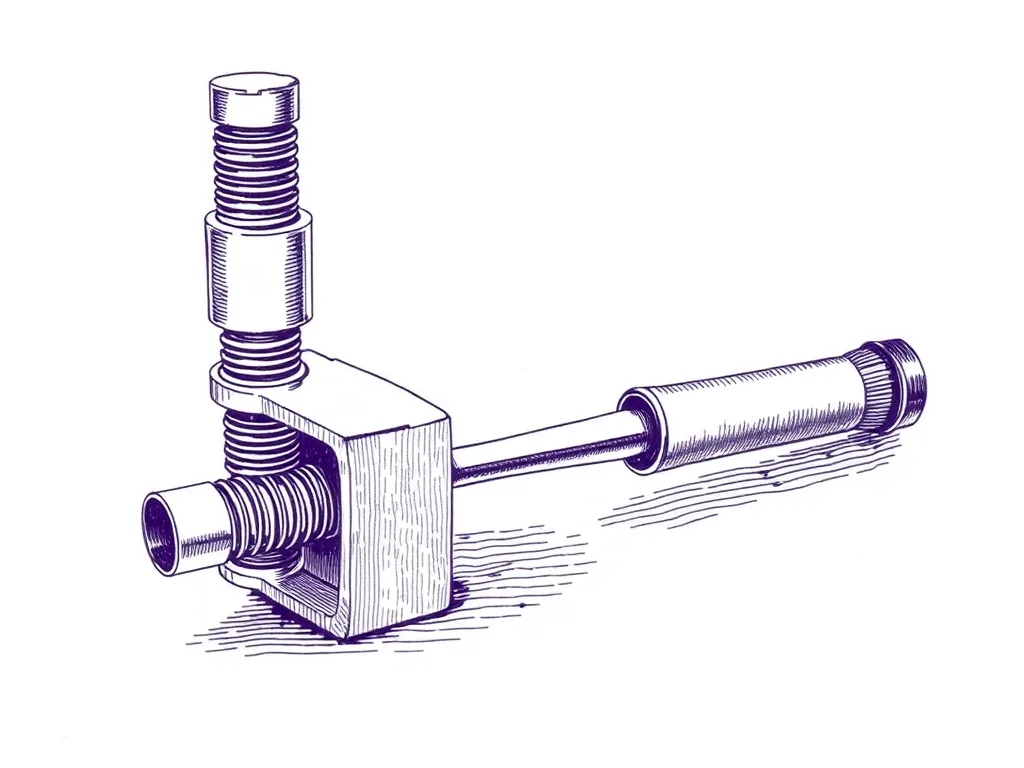
Generic Spring-Loaded Pen Holder Adapter
A sprung pen mount that keeps constant pen-down pressure across uneven paper — the cheapest fix for skipping and inconsistent line weight.
Best for: Consistent line weight and fewer skips
What else you need on day one
The list is short, and none of it is a big outlay.
- Pens: one fineliner set (see Question 5).
- Smooth paper: Bristol is the classic choice. The Strathmore 300 Series Bristol Smooth is 270 gsm (100 lb) with a smooth plate surface, in 9×12 in and 11×14 in pads. It suits pigment fineliners, gel and ballpoint. For alternatives, see how to choose paper for pen plotting.
- Low-tack tape: paper shifting mid-plot is one of the most common first-plot failures. ScotchBlue Original Painter’s Tape is low tack and lifts cleanly for up to 14 days. The recommended width is 1 in (24 mm).
- Software: free. Inkscape and vpype cover design, plotter control and optimization.
For a fuller checklist, see the best pen plotter starter kit and the best accessories for pen plotters.

Strathmore 300 Series Bristol Smooth Pad
A heavyweight, ultra-smooth bristol that takes fineliner ink cleanly with no feathering — the safe default surface for crisp plots.
Best for: Crisp line art with fineliners and gel pens
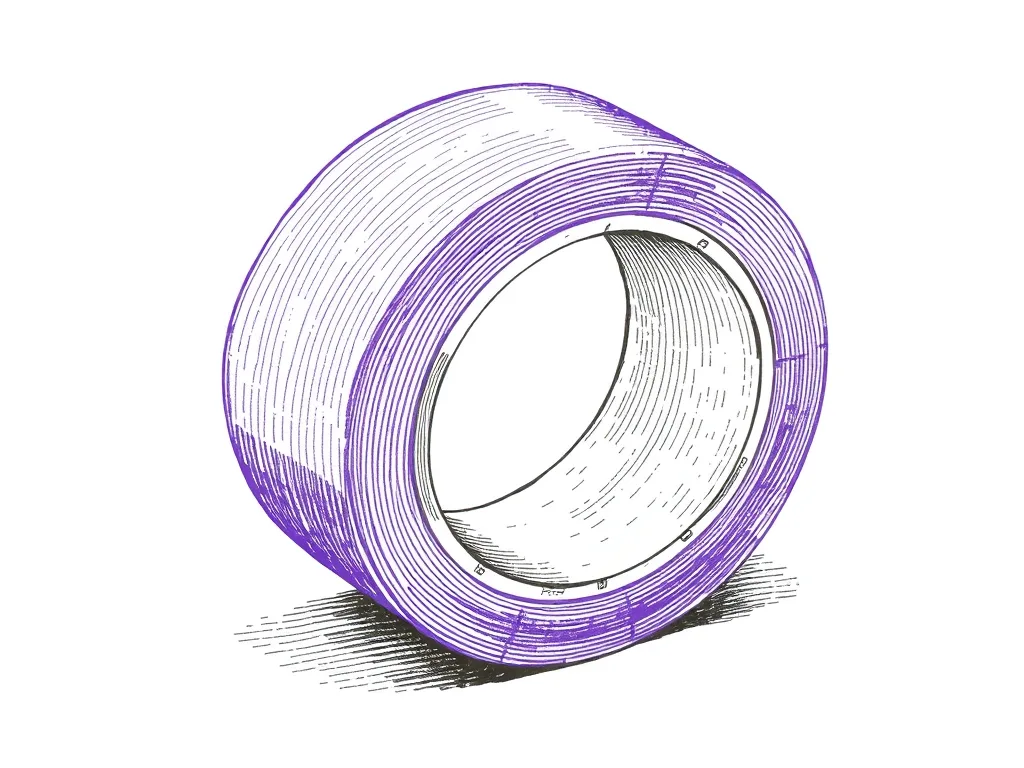
ScotchBlue Original Painter's Tape
Low-tack masking tape that pins paper to the bed without tearing it — the cheapest upgrade to plot registration and clean edges you can buy.
Best for: Keeping paper flat and registered mid-plot
Our picks by buyer type
iDraw 2.0 A3: for most buyers
Who it’s for: anyone who wants A3 plots from day one without a premium spend. Skip it if: you want the AxiDraw Python API workflow, or you’ll only plot cards and small prints. Trade-off: you get the GRBL toolchain (Inkscape plus a plugin, or LaserGRBL) instead of the AxiDraw ecosystem. UUNA TEK also markets the 2.0 as a laser engraver. If your package includes a laser module, follow its safety instructions. Compare: AxiDraw vs iDraw.
NextDraw 8511: AxiDraw software on a desk-sized machine
Who it’s for: buyers who want the current-production machine in the AxiDraw lineage, with the Inkscape plugin, CLI, Python API and universal clamp. Skip it if: you need A3. Trade-off: the drawing area tops out at US letter / A4. Compare: NextDraw vs iDraw 2 and AxiDraw vs NextDraw.
AxiDraw V3/A3: premium A3
Who it’s for: artists ready to invest who want A3 and the established AxiDraw software, on a machine Creative Bloq lists as arriving fully assembled. Skip it if: budget matters, or letter/A4 is enough. The NextDraw 8511 gives you the same software family. Trade-off: getting both A3 and the AxiDraw ecosystem puts you in the premium tier.
EleksDraw: the compact budget kit
Who it’s for: budget-minded beginners who are happy to build. Skip it if: you want to plot on day one, or you need A3. Trade-off: a full kit build and a roughly A4-class drawing area, in exchange for an entry-level budget and a small footprint.
Two Trees GRBL kit: for tinkerers
Who it’s for: people for whom building and tuning is the point. Skip it if: crisp, polished output matters most. Trade-off: an extensive DIY build on a lightweight frame, with output rougher than rigid XY machines.
Per-machine detail lives in our reviews index. Starting from zero? Our beginner-focused machine pick goes deeper on first-timer concerns. The budget pen plotter roundup and cheapest way to start pen plotting cover the lowest tier.
After it arrives: your first week
- Make a simple first plot with our step-by-step first-plot guide.
- Learn how to prepare an SVG for plotting so your own files behave.
- Run your files through vpype (five-minute tutorial) to cut plot time and pen lifts.
- Dial in pen height and pressure with our settings explainer.
- When something goes wrong, open the troubleshooting guide or why your plotter is skipping.
Frequently asked questions
Is a pen plotter the same as a plotter printer?
No. A pen plotter moves a real pen over paper. Large-format “plotters” are inkjet printers for CAD drawings or sewing patterns, and vinyl or craft “plotters” are cutters, each with different buying factors (ink costs, printheads, blades).
Is an AxiDraw or NextDraw worth it over a GRBL plotter like the iDraw?
The real difference is the software family and the pen clamp. AxiDraw and NextDraw use an Inkscape extension, a command-line tool and a Python API with a universal clamp; GRBL machines take G-code from LaserGRBL or Inkscape plus a plugin. Choose the AxiDraw family for an integrated, scriptable workflow, and GRBL for A3 without a premium spend.
Can a beginner build a kit plotter?
Yes, if you enjoy tinkering and accept some tuning before the lines come out clean. Both kits in this guide are full builds, and the Two Trees kit's output is rougher than rigid XY machines.
What software do I need, and is it free?
The core tools are free and open source: Inkscape for design and plotter control, and vpype for optimizing SVGs. AxiDraw and NextDraw use an official Inkscape extension, and the iDraw 2.0 runs from Inkscape plus a plugin or LaserGRBL.
Can a pen plotter write handwritten letters or cards?
Yes, as long as you use single-line fonts, which draw each letter as one stroke instead of an outline. For large volumes, dedicated auto-feed writing machines exist as a separate category, but this guide doesn't cover them.
What's the cheapest way to start pen plotting?
Kit builds like the EleksDraw are the entry-level tier, if you're willing to build one, and the software you need is free. Our cheapest-way-to-start guide and budget pen plotter roundup cover the options in detail.