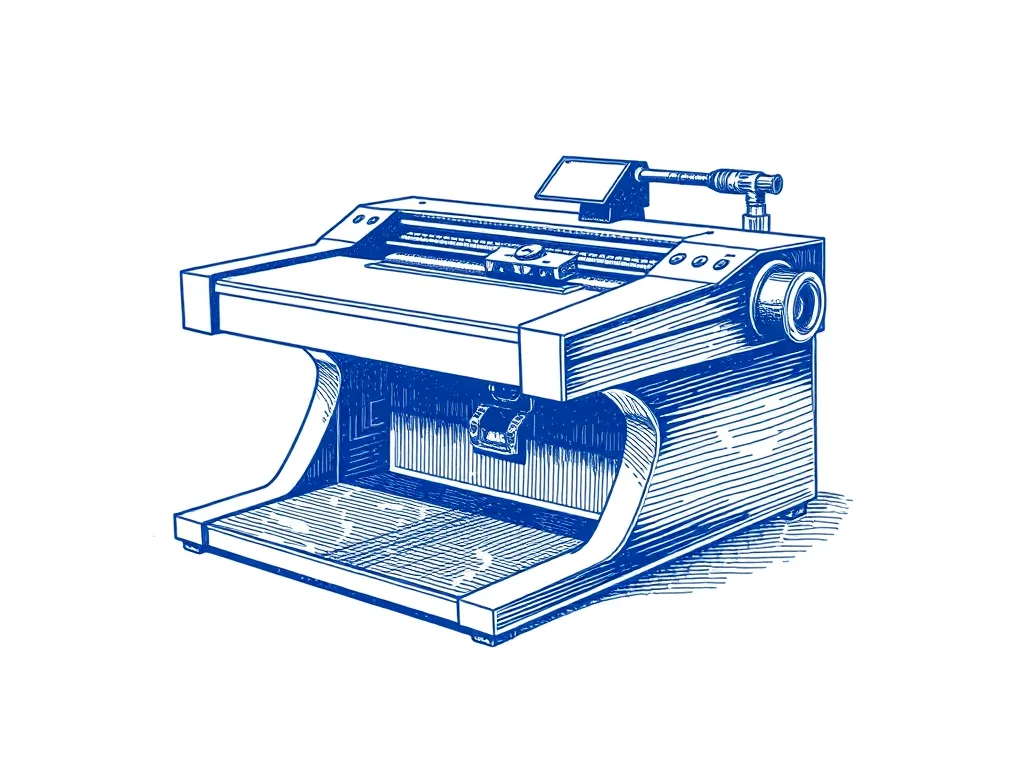
EleksMaker EleksDraw XY Pen Plotter
A wallet-friendly A4-class XY pen plotter kit running GRBL — a genuine entry point into plotting if you're happy to build it and trade reach for price.
Our verdict
The cheapest honest way into XY plotting. You assemble it and live with a smaller drawing area, but the lines it produces are real plots, not toys.
Best for: Budget-minded beginners willing to build a kit
We earn a commission on qualifying purchases made through links on this page, at no extra cost to you. Learn more.
What we like
- One of the lowest-cost XY plotters that actually plots well
- Standard GRBL firmware keeps your software options open
- Servo pen lift accepts most fineliners and gel pens
- Light, compact footprint that lives on a desk
What to watch
- Drawing area is noticeably smaller than A3 machines
- Full kit assembly and tuning are on you
- Lighter frame means more fiddling for crisp dense plots
The EleksDraw is the machine I point people to when the iDRAW feels like too much money for a first plotter. It’s a small belt-driven XY plotter that you build from a kit, and once it’s tuned it does the one thing that matters: it turns an SVG into clean, repeatable ink on paper. You give up some drawing area and some out-of-the-box polish, but you pay a lot less to find out whether plotting is your thing.
Build and assembly
This is a full kit, not a partial one — you’ll bolt the frame together, route belts, set the servo, and square everything up. It’s not hard, but it is fiddly, and the lighter frame is less forgiving than a heavier aluminium gantry. Take your time squaring the axes and tensioning the belts; rushing here is the single biggest cause of wavy lines and skipped steps later.
Pens and pen-lift
The servo-actuated pen lift is conventional and works fine with the included clamp. Most fineliners and gel pens drop straight in, and a printed adapter opens the door to fatter markers or technical pens. As with any plotter, your first session is really a tuning session: set pen-down height and travel height, write the numbers down, and re-check them whenever you swap pens. The smaller, lighter build makes consistent pen pressure a little more sensitive to get right than on a heavier machine.
Software and firmware
It runs stock GRBL, which is the reason I’m comfortable recommending it. You’re not tied to one vendor’s app — most people drive it from Inkscape with a plotting extension, or generate G-code with vpype and stream it over USB. That openness matters more than any single feature, because it means your workflow survives even if a particular piece of software goes stale.
Who it’s for
The EleksDraw is for the curious beginner on a budget who doesn’t mind a build. If you want A3 reach or a machine that’s dialed in out of the box, spend more on an iDRAW. But if you want to learn the whole pipeline — assembly, tuning, SVG to ink — for the least money, this is a sensible place to start.
Specifications
| Drawing area | Roughly A4-class, smaller than A3 machines |
|---|---|
| Mechanism | Belt-driven XY, lightweight frame |
| Pen mount | Servo lift, clamp fits common pens |
| Firmware | GRBL over USB |
| Assembly | Full kit build |
Ready to plot?
Prices and availability change often — check the latest on Amazon.
More plotters we've reviewed
Bantam Tools NextDraw 8511
4.8 (64)The official successor to the AxiDraw — same beloved workflow, refined hardware, and a US letter / A4 drawing area for desktop plotting.
Best for: Buyers who want the AxiDraw lineage, current-production
Evil Mad Scientist AxiDraw V3/A3
4.9 (312)The pen plotter that serious plotter artists upgrade to — precise, quiet, and compatible with nearly every pen and surface you'd want to draw on.
Best for: Artists ready to invest in the best
Two Trees GRBL Drawing & Writing Robot Kit
4.2 (142)A budget DIY drawing and writing robot kit on GRBL — heavy on assembly and tuning, light on price, and a genuinely good way to learn how plotters work.
Best for: Tinkerers who want to learn by building and tuning