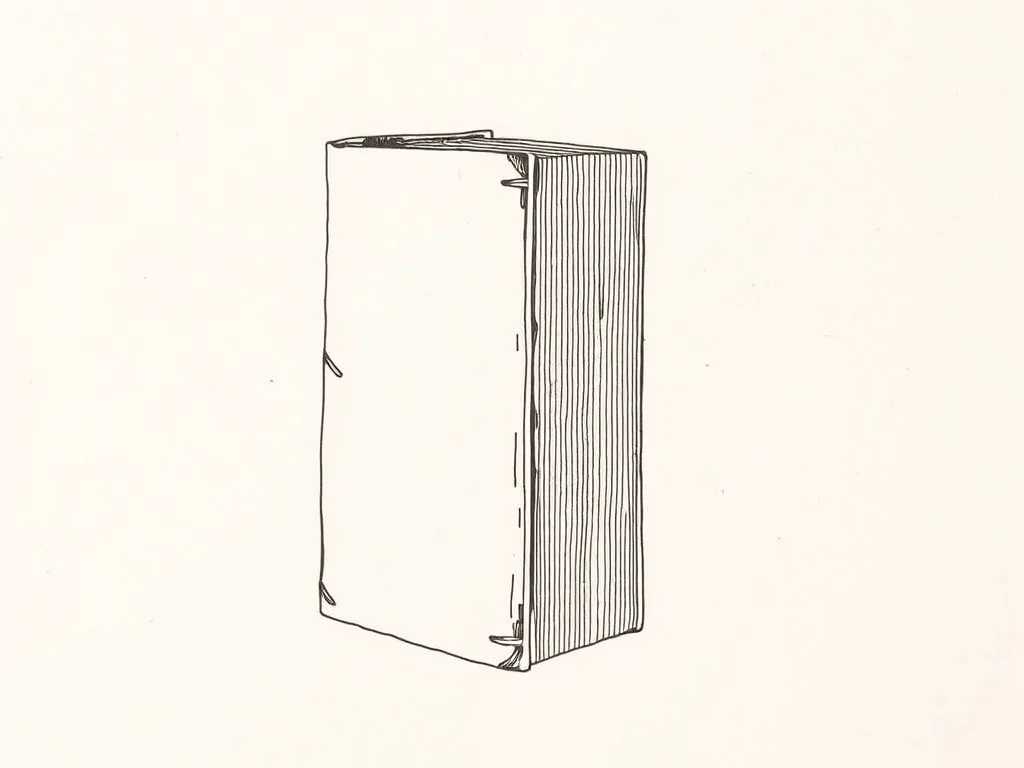
Casey Reas & Ben Fry Processing: A Programming Handbook
The foundational Processing reference from the language's own creators — the bedrock under a huge amount of plotter art, and the book you keep open while you code.
Our verdict
The definitive grounding in the language behind much generative plotter work. Reference-style and thorough rather than breezy, but it pays off for years.
Best for: Properly learning the language behind plotter art
We earn a commission on qualifying purchases made through links on this page, at no extra cost to you. Learn more.
What we like
- Authoritative — written by the people who made Processing
- Thorough grounding in the fundamentals that generate good plots
- Strong reference you return to for years, not a one-read book
- Geometry and curve material maps directly to vector output
What to watch
- Reference-style and dense rather than a quick, fun read
- Screen-first; the SVG-and-pen step is left to you
If The Nature of Code teaches you to think in systems, Processing: A Programming Handbook teaches you the language those systems are written in. Coming straight from Casey Reas and Ben Fry, the people who created Processing, it’s the authoritative grounding in the tool that sits under an enormous amount of the generative art people end up plotting.
What it teaches
This is a proper handbook: drawing primitives, shape and curve construction, coordinate math, color, image and data handling, all built up methodically with examples. It’s less a story than a structured tour of the language, the kind of book you read once to orient yourself and then keep open beside the editor as a reference. Because the authors designed the language, the explanations are clear about why things work the way they do, not just how.
From screen to pen
Like almost everything in this corner, the output is screen-first — you’ll do the export-to-SVG and tidy-in-vpype step yourself before anything reaches the machine. What makes this book especially useful for plotting is its careful treatment of geometry and curves. Lines, vertices, Bézier and Catmull-Rom curves are the raw material of pen paths, and understanding them from the source means your sketches translate to clean, single-stroke vectors instead of fighting you at export time.
Level and value
Be honest with yourself about format: this is reference-style and thorough rather than a breezy weekend read. If you want momentum and inspiration first, start with Shiffman. But when you’re ready to actually understand the language so you can bend it to your own plotter work, this is the book that pays back for years. Pair it with the free Processing IDE and treat it as the dictionary you grow into.
Specifications
| Format | Hardcover / e-book |
|---|---|
| Topics | Drawing, shape, data, image, math |
| Code | Processing, from the language's authors |
| Level | Beginner to intermediate, reference-style |
Ready to plot?
Prices and availability change often — check the latest on Amazon.
More software we've reviewed
DrawingBotV3 DrawingBotV3 (Free)
4.6 (320)Free, open-source software that turns photos into plottable line art — sketch, stipple and hatch styles that export clean SVGs for your plotter.
Best for: Converting photos into plottable sketches and stipple art
Inkscape Project Inkscape (Free)
4.7 (2,100)The free, open-source vector editor that doubles as the native design and machine-control interface for AxiDraw and NextDraw plotters.
Best for: Design and machine control in one free application
Antoine Beyeler vpype (Free)
4.9 (480)The command-line Swiss-army knife for pen plotter SVGs — optimizes, reorders, merges, crops and prepares vector files for cleaner, faster plots.
Best for: Everyone — mandatory step between generative art and plotting