AxiDraw vs iDraw: Which Pen Plotter Should You Buy?
AxiDraw vs iDraw — a head-to-head on price, accuracy, pen compatibility and software. Which desktop pen plotter is right for your budget and your work?

The two names that come up most when people shop for a desktop pen plotter are the AxiDraw and the iDraw. They look similar, they draw on similar paper sizes, and the price gap between them is large. So which should you buy? It comes down to how seriously you plot.
Price
This is the headline difference. The iDraw 2.0 A3 costs roughly a third of the AxiDraw V3/A3. For a beginner, that gap can be the difference between starting now and waiting. The iDraw gets ink on paper for far less money.
Accuracy and mechanism
The AxiDraw uses a CoreXY belt system built to tight tolerances. The practical result: a diagonal line across the full bed lands where you intend, and repeated passes register cleanly. This matters for dense hatching, tight geometry, and multi-color work.
The iDraw is belt-driven and accurate enough for most line art, but you’ll see slightly more accumulated error on large, complex plots. For casual and mid-complexity work, most people never notice.
Pen compatibility
The AxiDraw’s universal clamp accepts almost anything from a 0.2 mm fineliner to a fountain pen, brush pen, or chalk. The iDraw’s servo lift handles standard pens well and fits most fineliners and gel pens with its clamp, but it’s less accommodating of unusual or oversized pens.
Software and automation
Both work with Inkscape. The AxiDraw pulls ahead with a polished plugin plus a CLI and Python API, enabling fully scripted, unattended plotting — a big deal if you drive plots from generative code. The iDraw typically runs through GRBL senders, which are perfectly capable but less integrated.
Noise
The AxiDraw is notably quiet — you can plot late at night. The iDraw is louder, though not unbearable.
The verdict
| If you… | Buy |
|---|---|
| Are starting out or plot occasionally | iDraw |
| Want the cheapest path to A3 plots | iDraw |
| Plot frequently and value accuracy | AxiDraw |
| Need pen flexibility + scripted plotting | AxiDraw |
| Want a buy-once machine | AxiDraw |
Neither is wrong. The iDraw is the smart on-ramp; the AxiDraw is where many artists eventually land. If budget is the deciding factor, start with the iDraw — you can always upgrade once you know plotting is for you.
Frequently asked questions
Is the AxiDraw worth the extra money over an iDraw?
If you plot frequently and care about registration accuracy, quiet operation, and pen flexibility, yes. If you're starting out or plot occasionally, the iDraw delivers most of the experience at a fraction of the price.
Are the AxiDraw and iDraw the same machine?
No, though they're often compared. The iDraw is an affordable belt-driven plotter inspired by the AxiDraw's form factor; the AxiDraw uses a more precise CoreXY mechanism and a universal pen mount, and is built to tighter tolerances.
Can both use the same software?
Largely, yes. Both work with Inkscape. The AxiDraw has its own polished Inkscape plugin plus a CLI and Python API; the iDraw typically runs through GRBL-based senders.
Gear mentioned in this post
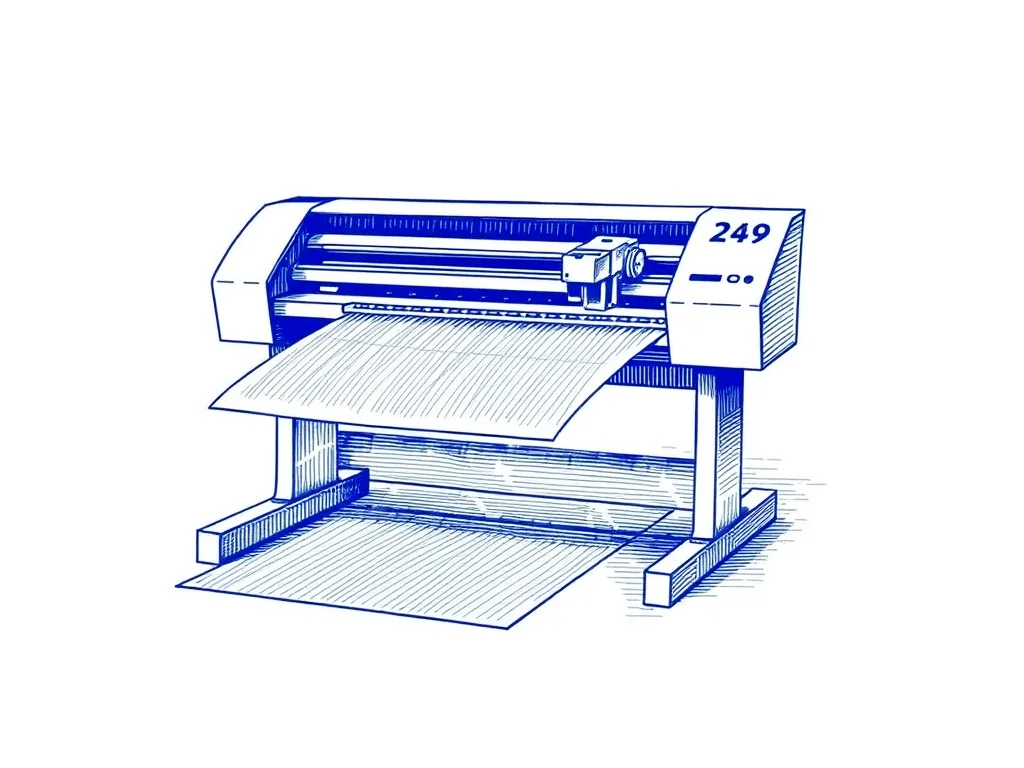
Evil Mad Scientist AxiDraw V3/A3
4.9 (312)The pen plotter that serious plotter artists upgrade to — precise, quiet, and compatible with nearly every pen and surface you'd want to draw on.
Best for: Artists ready to invest in the best
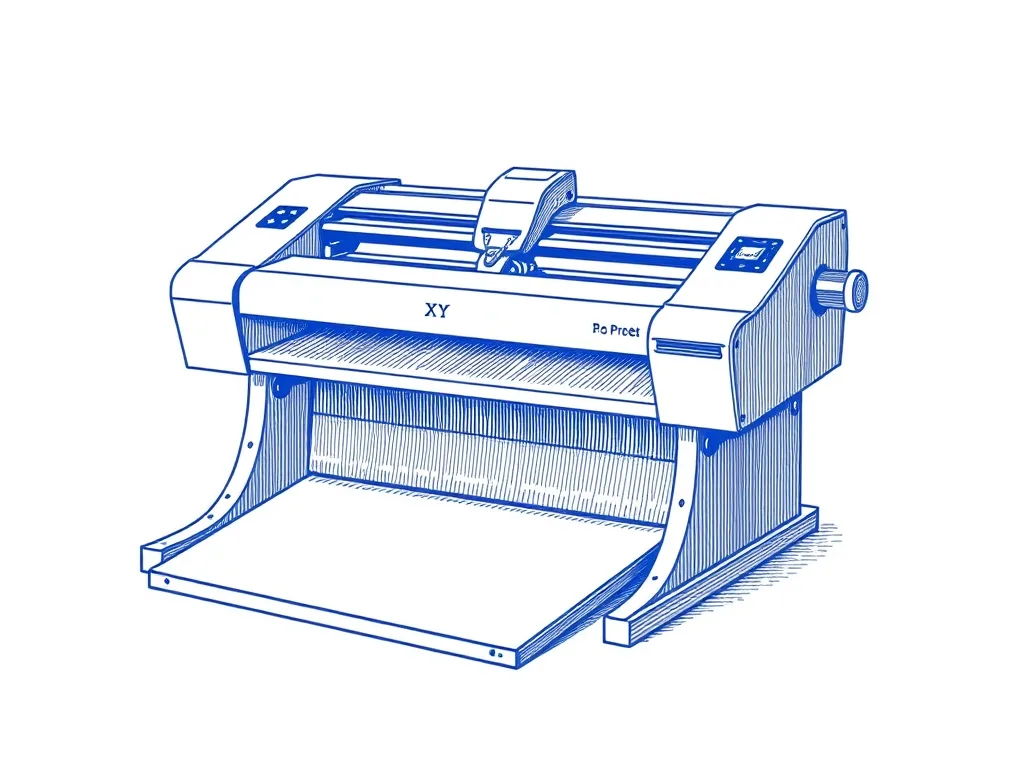
UUNA TEK iDraw 2.0 A3 Pen Plotter
4.3 (218)A large-format desktop XY plotter that draws on paper up to A3 — the most accessible on-ramp to AxiDraw-style plotting without the AxiDraw price.
Best for: Makers who want A3 plots out of the box