Building a DIY Pen Plotter: What to Know Before You Start
Thinking of building a DIY pen plotter? Here's what's involved — kit vs scratch, the core parts, the software, and whether building or buying makes sense for you.
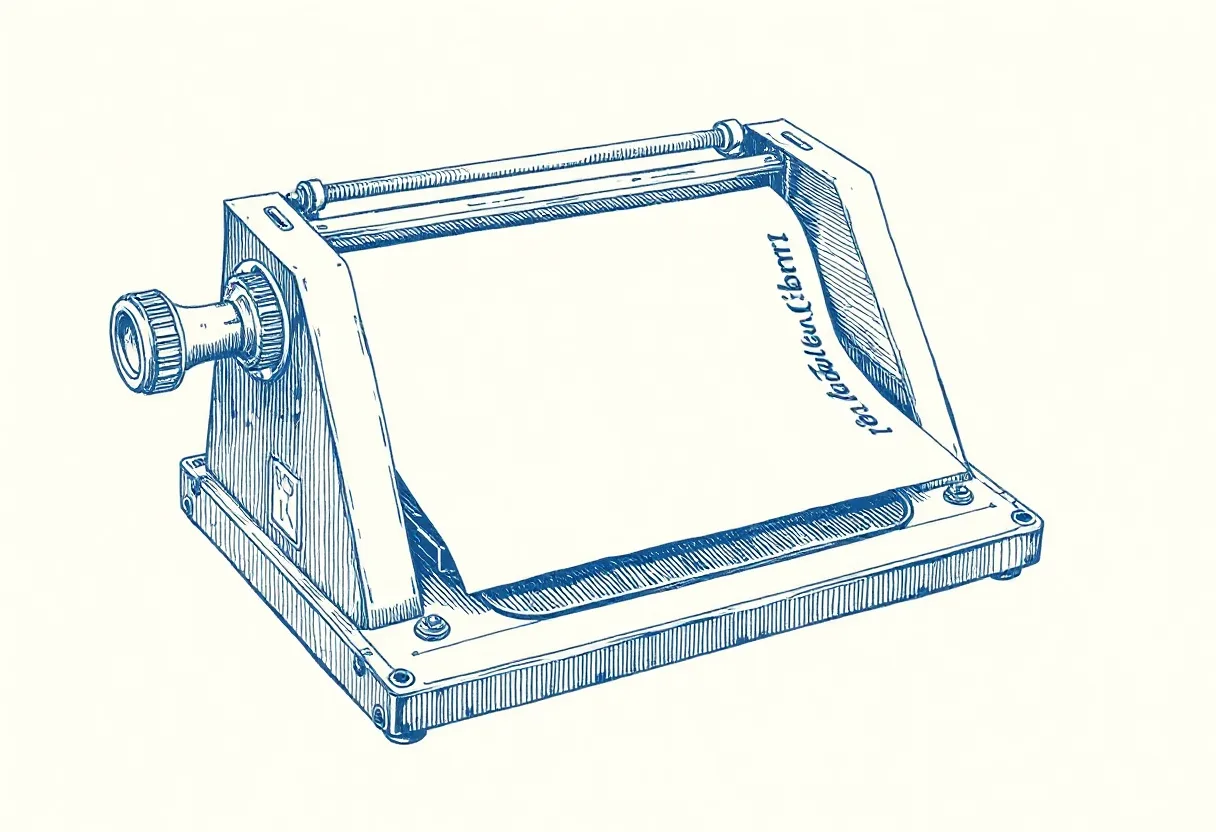
There’s a special satisfaction in watching a machine you built draw your art. Building a DIY pen plotter is also one of the best ways to truly understand how plotting works — and often the cheapest way in. Here’s an honest look at what’s involved before you commit.
Kit vs. scratch vs. buy
Three paths, three trade-offs:
- Buy ready-made — fastest, most reliable, highest cost. You plot on day one.
- Build a kit — the sweet spot for most. A GRBL drawing-robot kit bundles all the parts with instructions. You learn the machine, save money, and end up with something that works.
- Build from scratch — cheapest in parts, most demanding in skill. You source everything and solve problems yourself. Deeply rewarding if you like engineering; frustrating if you just want to make art.
For most people, a kit is the right answer.
The core parts
Every pen plotter, kit or scratch, comes down to the same components:
- Frame — the rigid structure everything mounts to. Rigidity matters; flex shows up as wavy lines.
- Two stepper motors + belts — one for X, one for Y motion. Steppers move in precise increments, which is what gives plots their accuracy.
- Controller board — runs GRBL firmware, receiving commands over USB and driving the motors.
- Pen-lift mechanism — usually a small servo that raises and lowers the pen between strokes.
- Power supply — feeds the motors and board.
- Pen holder — clamps your pen; the better ones adjust for different pen sizes.
The software side
Building the hardware is half the job. To actually plot you’ll need:
- GRBL on the controller (kits come pre-flashed)
- An SVG → G-code converter (Inkscape gcodetools, vpype’s
gwrite) - A G-code sender (LaserGRBL, UGS) to stream files to the machine
Calibration: the make-or-break step
A freshly built plotter is rarely accurate out of the box. The critical step is calibrating steps-per-mm in GRBL: command a 100 mm line, measure what it actually draws, and adjust until they match. Then set the pen-up/pen-down servo values so the pen lifts and lands cleanly. Skip calibration and your plots will be the wrong size and your text will look wrong — get it right and everything downstream just works.
Setting expectations
A DIY plotter — especially a budget kit — won’t match the pinpoint accuracy and silence of a premium AxiDraw. What it gives you instead is understanding, a much lower cost, and the satisfaction of a machine you built and can repair yourself. For dense, registration-critical work you may eventually want a precision machine; for learning, experimenting, and most line art, a well-built kit is genuinely capable.
Should you build one?
Build if: you enjoy making things, want to understand plotting deeply, and like the idea of a machine you can modify and fix. Buy ready-made if: your goal is purely the art and you’d rather not troubleshoot hardware. And if you’re unsure, start with a kit — it’s the path that teaches you the most while still getting ink on paper.
Frequently asked questions
Is building a DIY pen plotter worth it?
If you enjoy making things and want to understand the machine deeply, yes — it's rewarding and usually the cheapest path to plotting. If you mainly want to make art with minimal fuss, a ready-to-run plotter saves time and frustration. A kit is the happy middle ground.
What parts does a DIY pen plotter need?
A frame, two stepper motors with belts (for X and Y motion), a controller board running GRBL, a servo or solenoid for the pen-lift, a power supply, and a pen holder. Kits bundle all of this with instructions.
Do I need to know electronics or coding to build one?
Basic assembly skills are enough for a kit. You'll do some simple wiring and calibration (setting steps-per-mm in GRBL), but no programming. Building from scratch requires more electronics and CAD knowledge.
Gear mentioned in this post
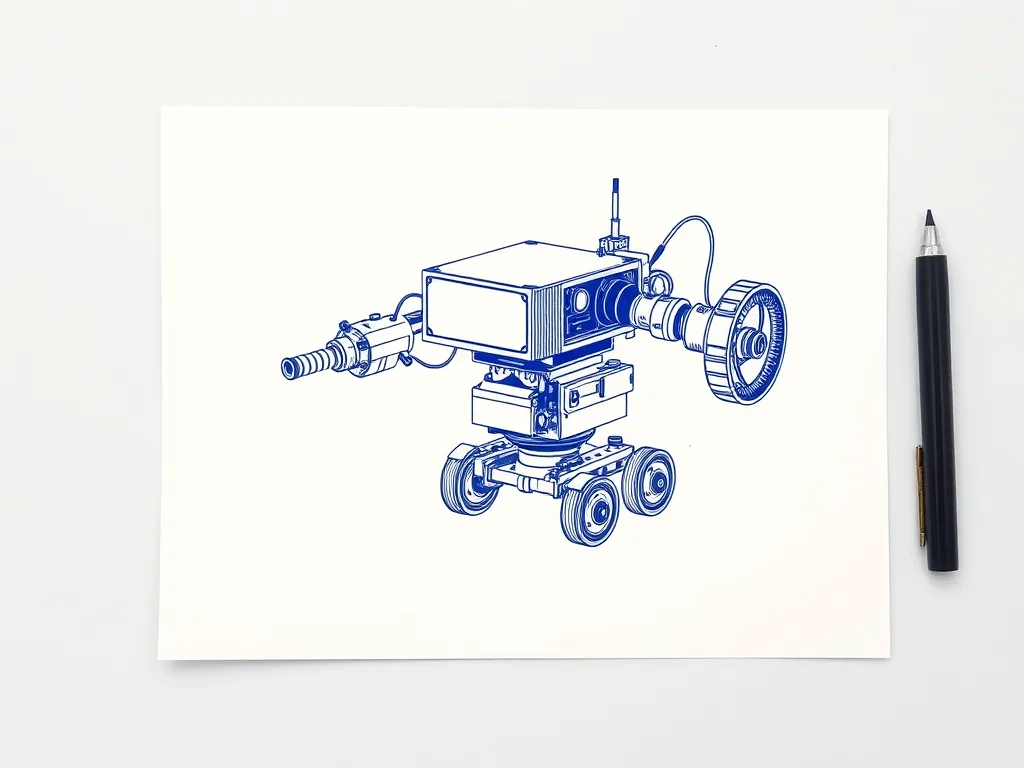
Two Trees GRBL Drawing & Writing Robot Kit
4.2 (142)A budget DIY drawing and writing robot kit on GRBL — heavy on assembly and tuning, light on price, and a genuinely good way to learn how plotters work.
Best for: Tinkerers who want to learn by building and tuning