NextDraw vs iDraw 2: Which Pen Plotter Is Right for You?
The NextDraw 8511 costs three times as much as the iDraw 2 A3. Here's what you actually get for that premium — and when the cheaper machine is the smarter buy.

The NextDraw 8511 costs around $550. The iDraw 2 A3 costs around $180. That’s a $370 gap — enough to buy a very good camera, a year’s supply of pens, or three more iDraw 2s. So what, exactly, does that premium buy?
This comparison cuts through the marketing to answer the question that matters for most buyers: is the NextDraw worth it, or should you just buy the iDraw 2?
Format: the iDraw wins on size
The most striking difference is often overlooked: the iDraw 2 A3 plots on A3 paper (420×297 mm). The NextDraw 8511 covers US letter / A4 (280×216 mm) — roughly half the area.
If you regularly want to produce large poster-scale work, the iDraw 2’s size advantage is significant. The NextDraw is the premium machine that offers less usable canvas.
If you mainly work at A4/letter scale, this difference disappears. Most desktop plots — cards, prints for framing, pieces for Etsy — fit comfortably within letter-size. But it’s worth knowing before you buy.
Accuracy and registration
Both machines use CoreXY belt drives, so both achieve good positional accuracy. The difference shows up in long multi-pass plots, in diagonal lines at scale, and in how tightly repeated motions return to the same point.
In practice: the NextDraw has tighter tolerances and quieter operation. Long diagonal lines are slightly cleaner. Multi-colour registration is marginally more reliable. The iDraw 2 is good — the NextDraw is excellent.
For most work, “good” is fine. For demanding multi-colour plots with tight registration requirements, the NextDraw’s margin matters.
Software ecosystem
The NextDraw runs the full AxiDraw software stack: the official Inkscape extension, the CLI (axicli), and the Python API. This is the most mature, best-documented plotting software available, with years of community tutorials, scripts, and configurations.
The iDraw 2 is partially compatible — many users use the AxiDraw extension successfully, but not all features are guaranteed across firmware versions. vpype and DrawingBotV3 work natively with both.
If you’re planning to use Python scripting or advanced Inkscape extension features, the NextDraw is safer. If you’re plotting SVGs by hand, both work.
Noise
The NextDraw is near-silent. The iDraw 2 is quiet enough for a home studio but audibly louder — the stepper drivers and belt tension produce a mechanical hum that’s noticeable but not annoying.
If you plot late at night or in a shared space, the NextDraw’s quiet operation is a genuine quality-of-life advantage.
Support and longevity
The NextDraw is made by Bantam Tools — an active manufacturer with warranty support and an engineering team. If something breaks, you have a path to a fix.
The iDraw 2 is supported primarily by its community — forums, Facebook groups, Reddit. Very active, and usually effective. But it’s community-driven support rather than manufacturer support, which means self-sufficiency matters more.
The decision framework
Choose the iDraw 2 A3 if:
- Budget is a real constraint (the $370 difference matters)
- You want A3-format plotting
- You’re a beginner and want to learn without high stakes
- You’re willing to spend time on setup and troubleshooting
Choose the NextDraw 8511 if:
- You’ve been plotting a while and want the reference machine
- You need maximum registration accuracy for tight multi-colour work
- Quiet operation matters (shared workspace, night plotting)
- You want active manufacturer support and the full AxiDraw software stack
Bottom line
For beginners, the iDraw 2 A3 is the rational pick: capable, affordable, and large. For anyone who’s outgrown a budget machine or wants to buy right once, the NextDraw 8511 is the benchmark desktop plotter — quieter, more accurate, and fully supported.
Frequently asked questions
Is the iDraw 2 accurate enough for serious work?
Yes. The iDraw 2's CoreXY belt drive achieves good registration accuracy — enough for detailed single-colour plots and reliable multi-colour layered work. It won't match the NextDraw's near-perfect repeatability, but for most artists working in the A3 format, the difference is small.
Does the iDraw 2 work with AxiDraw software?
Mostly — many users report successful use of the AxiDraw Inkscape extension and CLI tools. Firmware compatibility varies by batch; check the community forum for your specific firmware version. vpype and DrawingBotV3 work natively with both machines.
What is the iDraw 2's drawing area compared to the NextDraw 8511?
The iDraw 2 A3 has an A3 drawing area (~297×420 mm). The NextDraw 8511 covers US letter / A4 (8.5×11 in / ~216×280 mm). If you plan to plot large pieces, the iDraw 2 gives you a substantially larger canvas.
Gear mentioned in this post
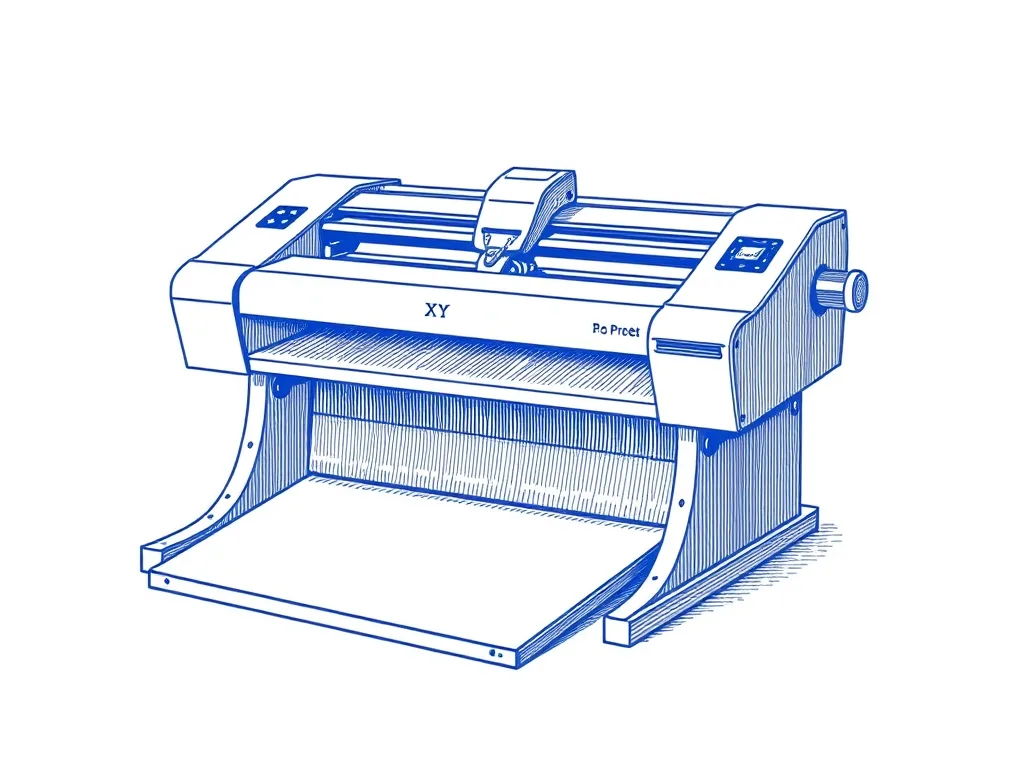
UUNA TEK iDraw 2.0 A3 Pen Plotter
4.3 (218)A large-format desktop XY plotter that draws on paper up to A3 — the most accessible on-ramp to AxiDraw-style plotting without the AxiDraw price.
Best for: Makers who want A3 plots out of the box
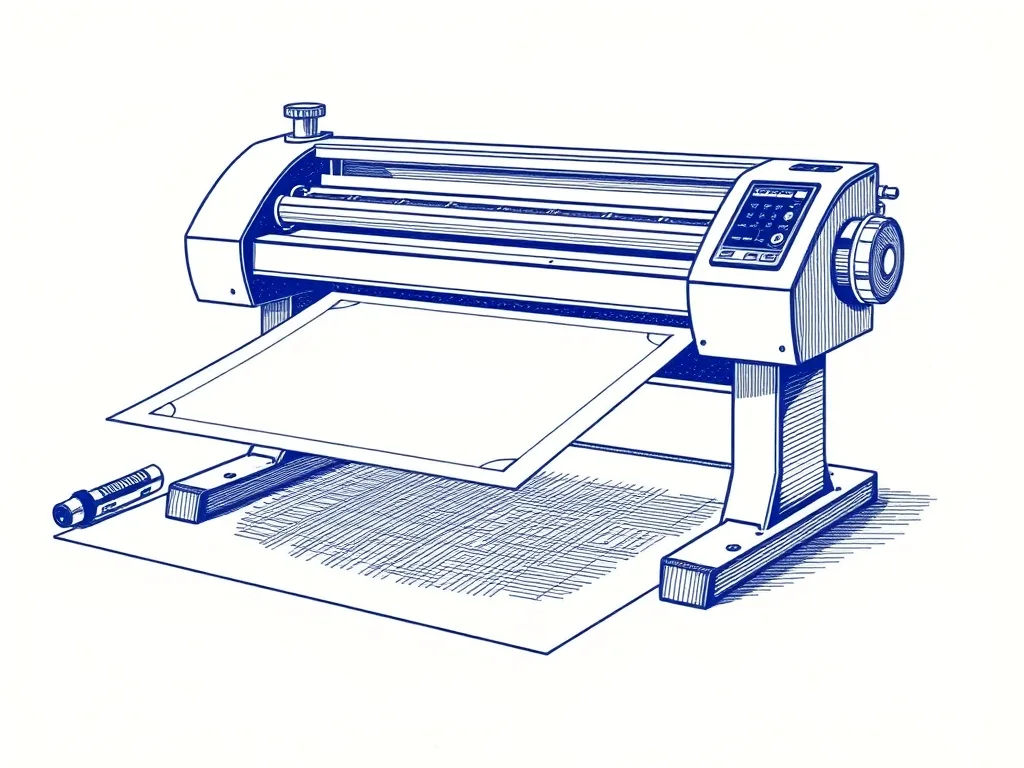
Bantam Tools NextDraw 8511
4.8 (64)The official successor to the AxiDraw — same beloved workflow, refined hardware, and a US letter / A4 drawing area for desktop plotting.
Best for: Buyers who want the AxiDraw lineage, current-production
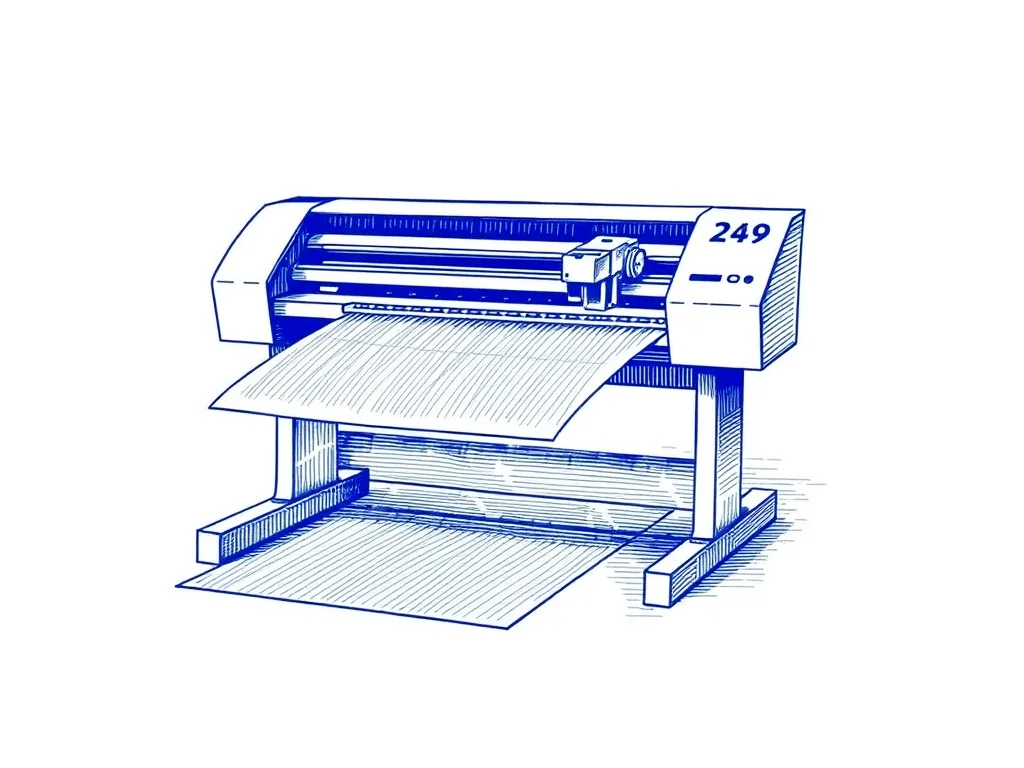
Evil Mad Scientist AxiDraw V3/A3
4.9 (312)The pen plotter that serious plotter artists upgrade to — precise, quiet, and compatible with nearly every pen and surface you'd want to draw on.
Best for: Artists ready to invest in the best