How to Make Stipple and Pointillist Art with a Pen Plotter
Stippling — building an image from individual dots — is one of the most impressive things a plotter can produce. Here's how to generate stipple art and plot it successfully.
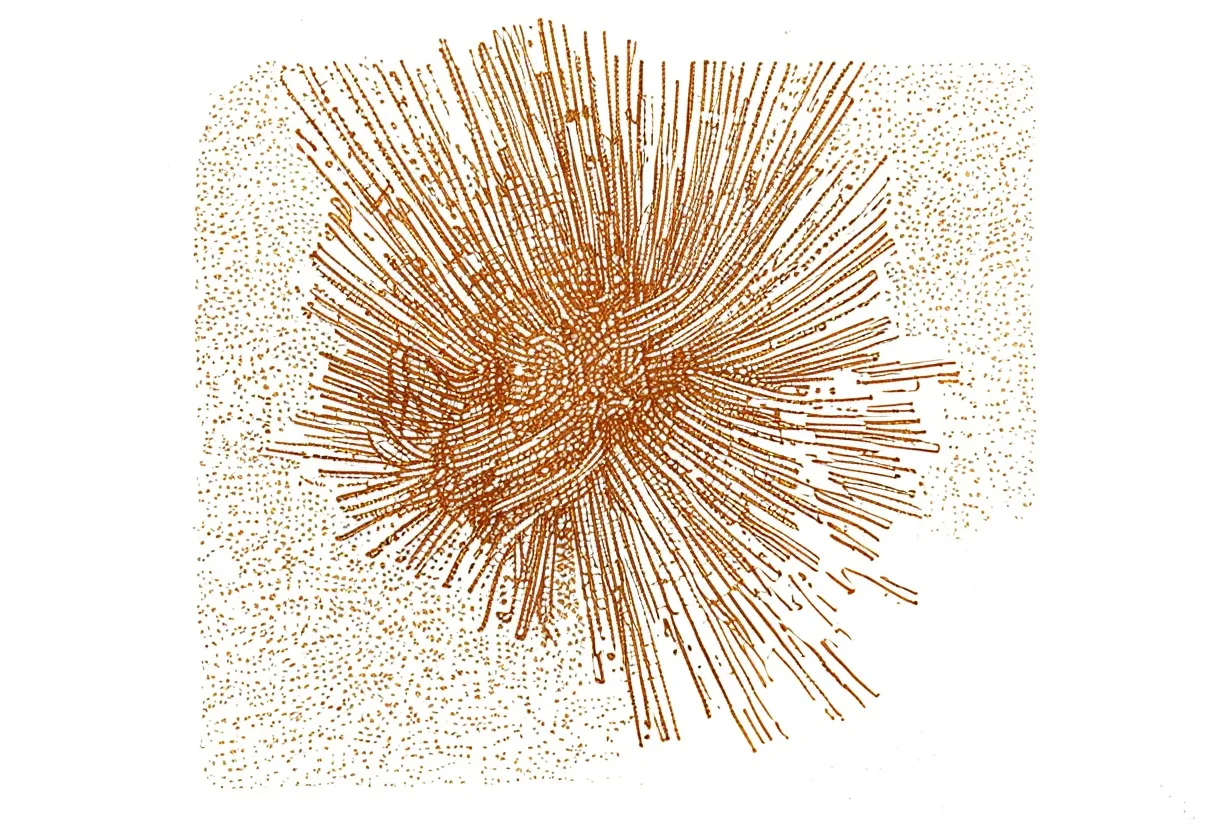
Stippling — building tone from individual dots — is one of the most rewarding techniques to plot. The result looks painstakingly hand-done, but a plotter places thousands of precise dots with tireless consistency no human hand can match. Here’s how to generate and plot stipple art from any image.
Why plotting is perfect for stippling
A human stippler takes hours to place a few thousand dots by hand. A plotter places the same dots perfectly — at exactly the right size, exactly the right position — in the same time it takes to drink a coffee. The technique, which is visually spectacular, becomes practically accessible.
The key is the algorithm that converts an image into dot positions.
The algorithm: weighted Voronoi stippling
The standard approach for photographic stippling is weighted Voronoi stippling, introduced by Adrian Secord in 2002 and now widely implemented in open-source tools.
The process:
- Scatter dots randomly across the image
- Compute the Voronoi diagram (each dot “owns” the region closer to it than any other dot)
- Move each dot to the centroid of its Voronoi region, weighted by image brightness (darker pixels = more weight)
- Repeat steps 2–3 until dots stop moving (Lloyd’s algorithm)
Dark areas end up with more dots (and often larger dots); light areas get fewer, smaller ones. After 10–50 iterations, the dot distribution closely matches the tonal structure of the original image.
Tools for generating stipple SVGs
DrawingBotV3 (free, cross-platform) has weighted Voronoi stippling built in. Load a photo, select the stippling mode, tune the dot count, and it generates a plottable SVG. This is the fastest path to a first stipple — no coding required.
Stipple.js / StippleGen — browser or Java-based tools specifically for Voronoi stippling. Older but still widely used; good results for photographic subjects.
Processing with the eDot library — for coders who want more control over the algorithm parameters. The Nature of Code ecosystem has community implementations.
vpype with the stipple plugin — command-line tool, good for batch processing or when you want to combine stippling with other vpype operations.
From SVG to plot
A stipple SVG is a large collection of dots — each dot is typically a very short path or a small circle. The plotter visits each dot, lowers the pen, pauses fractionally, and lifts. It then travels (pen up) to the next dot.
Optimize travel before plotting. The dots are generated without any regard to plotter travel order. Running the SVG through vpype dramatically reduces wasted movement:
vpype read stipple.svg linesort write plot_sorted.svgFor 10,000+ dot images, this optimization can cut plot time by half.
Dots vs. short strokes. Some tools generate stipples as filled circles (which a plotter can’t draw) — check your SVG file. You want either open-path circles (drawn by the plotter) or very short line segments. DrawingBotV3 generates plotter-compatible paths by default.
Pen settings for stippling
Use your finest pen. Dots at 0.1–0.2 mm diameter read as genuine stippling; 0.5 mm or larger looks more like a coarse screen. A Staedtler Pigment Liner 0.1 or Pigma Micron 005 (0.2 mm) gives the finest result.
Set pen-down height carefully. Each dot is a brief pen-down contact — the pen needs to touch consistently across the whole page. A spring-loaded holder is especially useful here, as any surface variation shows up as dots of inconsistent darkness.
Use smooth paper. Hahnemühle Bristol or similar ultra-smooth stock gives the cleanest, sharpest dots. Toothy paper blurs the dot edges slightly, which can look nice for very small dot counts but muddy at high density.
Dot count as a design choice
| Dot count | Look | Plot time |
|---|---|---|
| 1,000–3,000 | Sparse, impressionistic | 10–20 min |
| 5,000–10,000 | Recognizable portrait | 30–90 min |
| 15,000–30,000 | Photorealistic | 2–5 hours |
Start with 5,000 dots on a test piece. A high-contrast face photograph is the classic first subject — the algorithm handles tonal contrast beautifully.
Beyond portraits
Stippling works for any tonal image: architectural details, botanical illustrations, landscapes. High-contrast images with clear darks and lights work best. Very low-contrast images (foggy landscapes, flat lighting) produce underwhelming stipple results — increase local contrast in your image editor before stippling.
Frequently asked questions
How is stipple art generated for a pen plotter?
The most common method is weighted Voronoi stippling: dots are placed randomly, then iteratively moved so each dot sits at the centroid of its Voronoi region — weighted by image brightness. Darker areas end up with denser, larger dots. The result closely matches how a human stippler would shade an image.
What pens work best for stipple plots?
Small-diameter fineliners work best — 0.1 to 0.3 mm. Each dot is a short pause or micro-stroke with the pen down, so a consistent, fine-tipped pen gives the cleanest result. Gel pens also work but tend to blob slightly on pen-down.
How long does a stipple plot take?
It depends on dot count. A portrait with 5,000 dots takes 30–60 minutes; 20,000 dots can take several hours. The plotter lifts and lowers the pen for every dot — all that pen movement adds up.
Gear mentioned in this post
DrawingBotV3 DrawingBotV3 (Free)
4.6 (320)Free, open-source software that turns photos into plottable line art — sketch, stipple and hatch styles that export clean SVGs for your plotter.
Best for: Converting photos into plottable sketches and stipple art
Antoine Beyeler vpype (Free)
4.9 (480)The command-line Swiss-army knife for pen plotter SVGs — optimizes, reorders, merges, crops and prepares vector files for cleaner, faster plots.
Best for: Everyone — mandatory step between generative art and plotting
Sakura Pigma Micron Fineliner Set
4.8 (5,400)Archival pigment fineliners that are the de facto default for pen plotting — consistent line width, fade-proof ink and almost no skipping.
Best for: Clean, consistent line art on most papers
Staedtler Pigment Liner 308 Set
4.6 (3,800)The technical-pen answer to Microns — metal-clad tips that survive heavy plotting, pigment ink that stays put, and a line width that barely drifts.
Best for: Long, tip-punishing plots on smooth paper

Hahnemühle Bristol Board Pad
4.8 (410)A heavyweight, ultra-smooth German bristol that takes fineliner ink with glass-like crispness — a premium surface for finished, frame-worthy plots.
Best for: Premium finished plots and fine detail